

Why Website Names Need Translating
Computers don't understand names like "google.com" or "nytimes.com" — they communicate using numerical IP addresses, such as 142.250.80.46. These numbers pinpoint exactly where a server lives on the internet.
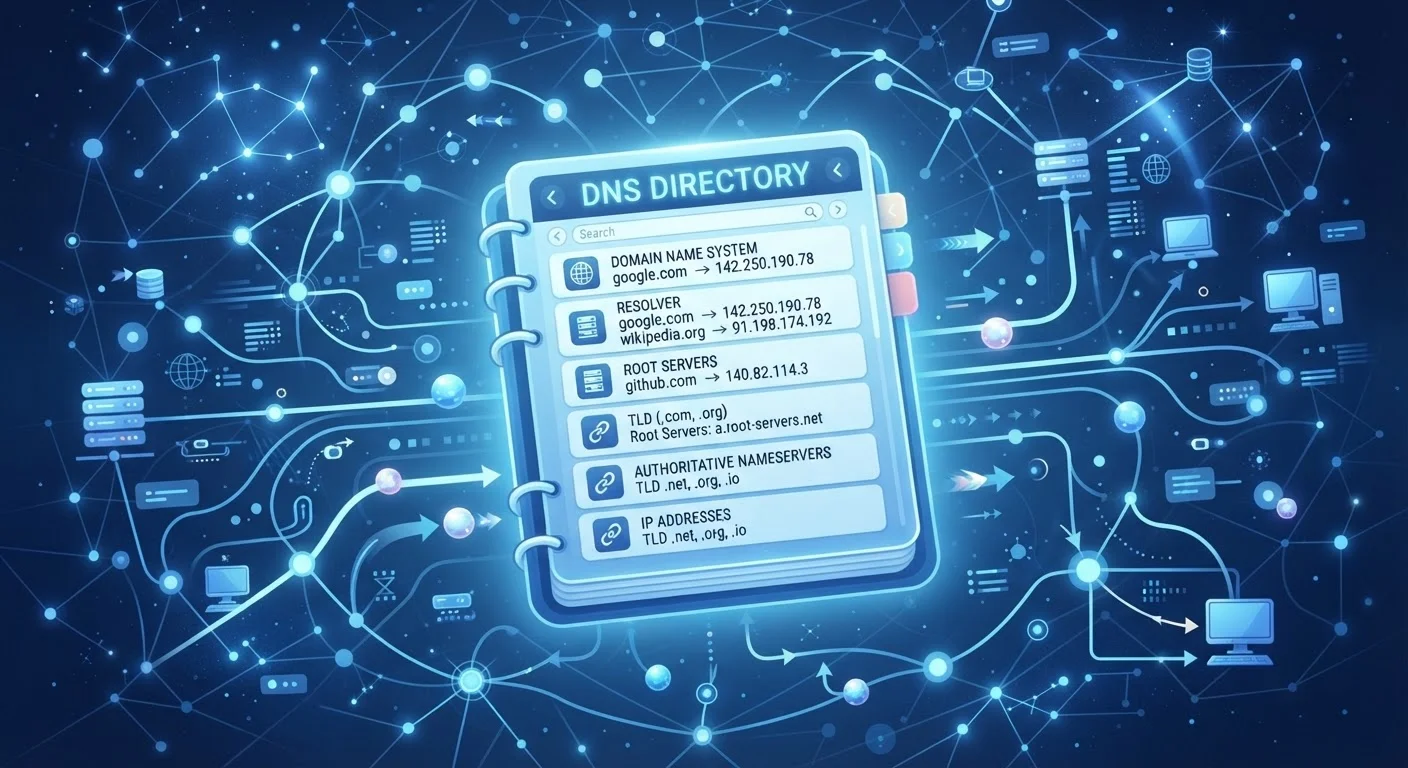
The problem is that humans are terrible at remembering long strings of numbers. We're much better with words. DNS bridges that gap by maintaining a massive, constantly updated directory that pairs every domain name with its corresponding IP address — automatically, every time you browse.
The analogy to a phone book is apt: just as a phone book lists names alongside their phone numbers, DNS lists domain names alongside their IP addresses. The key difference is that DNS does its lookup invisibly and in a fraction of a second.
How a DNS Lookup Actually Works
When you type a web address into your browser, a precise sequence of steps unfolds before the page loads. Understanding this sequence demystifies a lot of what feels like internet "magic."
~100ms
Typical time for a full DNS lookup
Most DNS resolutions complete in under 100 milliseconds, making the process invisible to the user during normal browsing.
13 sets
Root server clusters worldwide
There are 13 sets of root name servers distributed globally, operated by organizations including ICANN, Verisign, and various universities.
350M+
Registered domain names globally
As of recent ICANN reports, over 350 million domain names are registered and active, all requiring DNS records to function.
- Your device checks its cache. Before asking anyone, your device looks at its own short-term memory for a recently stored answer. If it finds one, the lookup ends here.
- The recursive resolver is contacted. If there's no cached answer, your device asks a DNS resolver — usually provided by your ISP — to find the address.
- The resolver queries root servers. Root servers don't know the final answer, but they direct the resolver toward the right top-level domain (TLD) server — the one responsible for ".com," ".org," and so on.
- The TLD server points further. The TLD server directs the resolver to the authoritative name server for the specific domain you requested.
- The authoritative server answers. This server holds the definitive record and returns the correct IP address to your resolver, which passes it to your device.
The entire process typically takes under 100 milliseconds. For a deeper look at what happens next, see what happens after the DNS lookup.
DNS Caching Speeds Things Up
Both your device and your DNS resolver store recent lookup results temporarily — a process called caching. This means the second time you visit a site, the answer is retrieved from local memory rather than going through the full lookup chain. The TTL value on each DNS record controls how long that cached answer is considered valid.
Key DNS Terms You'll Encounter
A few terms come up repeatedly when DNS is discussed. Here's what they mean in plain language:
- DNS Resolver
- The server that receives your lookup request and does the legwork of querying other servers. Often called a "recursive resolver."
- Root Server
- One of thirteen sets of servers at the top of the DNS hierarchy. They don't know individual domain addresses but know who does.
- Authoritative Name Server
- The server that holds the official, final DNS record for a specific domain.
- TTL (Time to Live)
- A timer attached to each DNS record that tells resolvers how long to cache the answer before checking again.
- DNS Record Types
- Different records serve different purposes. An A record maps a domain to an IPv4 address; an MX record directs email; a CNAME creates an alias pointing one name to another.
These building blocks also connect to how your home network routes traffic — see your home network explained for the broader picture.
Check Your DNS When Websites Won't Load
If websites are unreachable but your internet connection seems active, try restarting your router to refresh its DNS settings. If the problem persists, your device's network settings usually allow you to manually enter an alternative DNS server address. Consult your ISP's support documentation before making changes.
Why DNS Matters for Everyday Users
Most people never think about DNS — and that's exactly how it's supposed to work. But a few situations make it worth knowing about.
DNS is also one of the layers involved whenever you open a website in your browser. Understanding how browsers and apps handle network requests differently is covered in the difference between an app and a browser. For a plain-English glossary of related internet terms, Key Internet Terms Every Beginner Should Know is a useful companion reference.
“The Domain Name System is the phonebook of the internet, and like all phonebooks, it only works if everyone agrees to use the same directory.”
— Paul Vixie, Internet engineer and co-author of the BIND DNS software


