What Private Browsing Actually Does
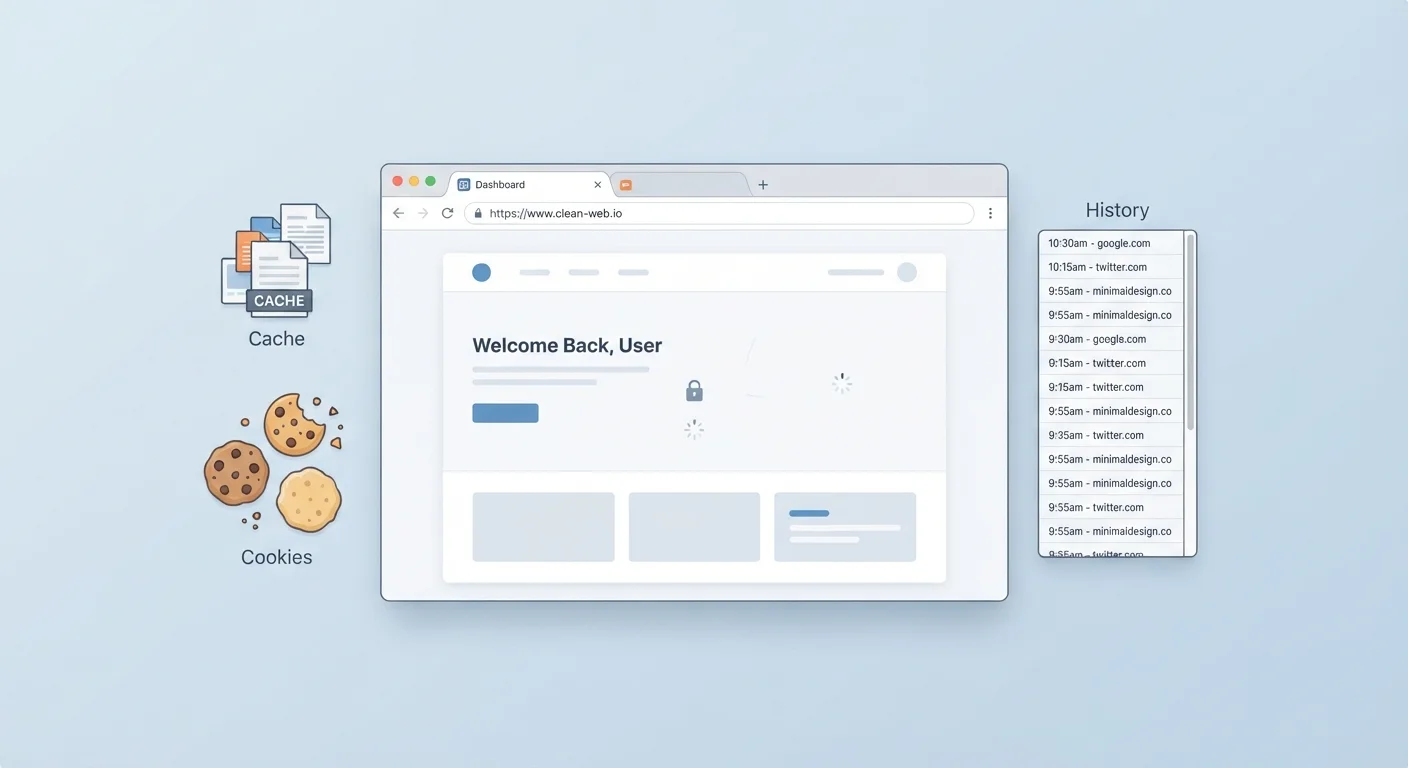
Every major browser offers some version of private browsing: Chrome calls it Incognito, Firefox calls it Private Window, and Safari and Edge have their own names for the same basic feature. The core idea is the same — when you close the window, the browser deletes your local session data: browsing history, cookies, and form entries are not saved on the device.
That's genuinely useful. If you're shopping for a gift on a shared family computer, or logging into a personal account on a public library machine, private mode keeps your session from being visible to the next person who opens the browser. To understand exactly what cookies and history actually store, see our guide on cookies, cache, and browsing history.
The problem isn't that private mode is useless — it's that its name implies far more than it delivers.
Myth
Private browsing makes me anonymous online — websites can't see who I am.
Fact
Websites can still see your IP address, browser type, and device information during a private session.
Your IP address is attached to every request your browser sends, whether you're in incognito mode or not. Websites, advertisers, and analytics platforms can use it to identify your general location and link multiple visits together. Incognito only prevents the browser on your device from saving a local record. The data still flows — it just doesn't get recorded locally after the window closes.
Myth
My internet provider can't see my browsing if I use incognito mode.
Fact
Your ISP sees all traffic leaving your network regardless of whether you're in a private window.
Private browsing is a browser-level feature. It has no effect on the network layer — the infrastructure your data travels through to reach any website. Your ISP can see which domains your device contacts because they're the ones routing that traffic. The same applies to workplace or school networks: network administrators can monitor DNS requests and traffic logs even when employees or students use incognito mode.
Myth
Using incognito stops websites from tracking me with ads.
Fact
Many tracking methods work even in private mode, including IP-based tracking and browser fingerprinting.
Cookies are one tracking method, and incognito does block those from persisting after the session ends. But advertisers use additional techniques. Browser fingerprinting collects details about your device — screen resolution, installed fonts, browser version — and combines them into a profile that doesn't depend on cookies at all. Your IP address also allows ad networks to associate your activity across sites. Incognito reduces one signal; it doesn't eliminate tracking.
Myth
Private mode protects me from malware and hackers.
Fact
Incognito mode offers no protection against malware, phishing, or hacking attempts.
Private browsing is entirely about local data storage — it has no security scanning, no malicious site detection beyond what your regular browser session would provide, and no encryption layer. If you click a phishing link or download a malicious file in an incognito window, your device is just as exposed as in a normal session. Security protections come from your browser's built-in warnings, your operating system, and dedicated security software — not from the private window itself.
Myth
If I'm in incognito mode at work, my employer can't monitor my activity.
Fact
Employers who manage the network or company devices can monitor traffic regardless of browser mode.
Corporate networks often route traffic through monitoring systems and firewalls. Incognito mode does not bypass these. Additionally, if your employer manages your device — meaning they've installed software or device management profiles — they may have visibility into activity that goes beyond what your browser alone can conceal. Incognito only affects what the browser saves locally on the device; it doesn't affect what the network or device management systems record.
Who Can Still See What You're Doing
Even in an incognito window, your internet traffic still travels through your Internet Service Provider (ISP) — the company that provides your connection. Your ISP can log every domain you visit. If you're on a work or school network, the network administrator has the same visibility.
~5%
Share of users who fully understand incognito's limits
Research from the University of Chicago and Leibniz University Hannover found that the vast majority of users overestimate what private browsing actually hides from third parties.
3+
Parties that can still see your traffic in private mode
Your ISP, visited websites, and network administrators all retain visibility into your traffic regardless of whether a private browsing window is open.
Websites themselves also see your IP address — a numerical label assigned to your device by your ISP that can be used to identify your approximate location and, in some cases, your identity. Private mode does nothing to mask this. For a related look at what browser security actually protects, see our article on HTTPS and browser padlocks.
If you want to obscure your IP address from websites and reduce what your ISP can see, a Virtual Private Network (VPN) is the appropriate tool. A VPN routes your traffic through an encrypted tunnel to a server in another location, masking your origin IP. That's a meaningfully different level of protection from incognito mode — and pairing good habits with tools like these is what effective internet safety actually looks like.
Incognito Is Not the Same as a VPN
A common misconception conflates private browsing with anonymity tools like VPNs. They solve different problems. Private mode keeps your local device clean; a VPN encrypts your traffic and masks your IP address from websites and your ISP. If online privacy at the network level is your goal, a VPN is the tool to research — private mode alone will not achieve it.