

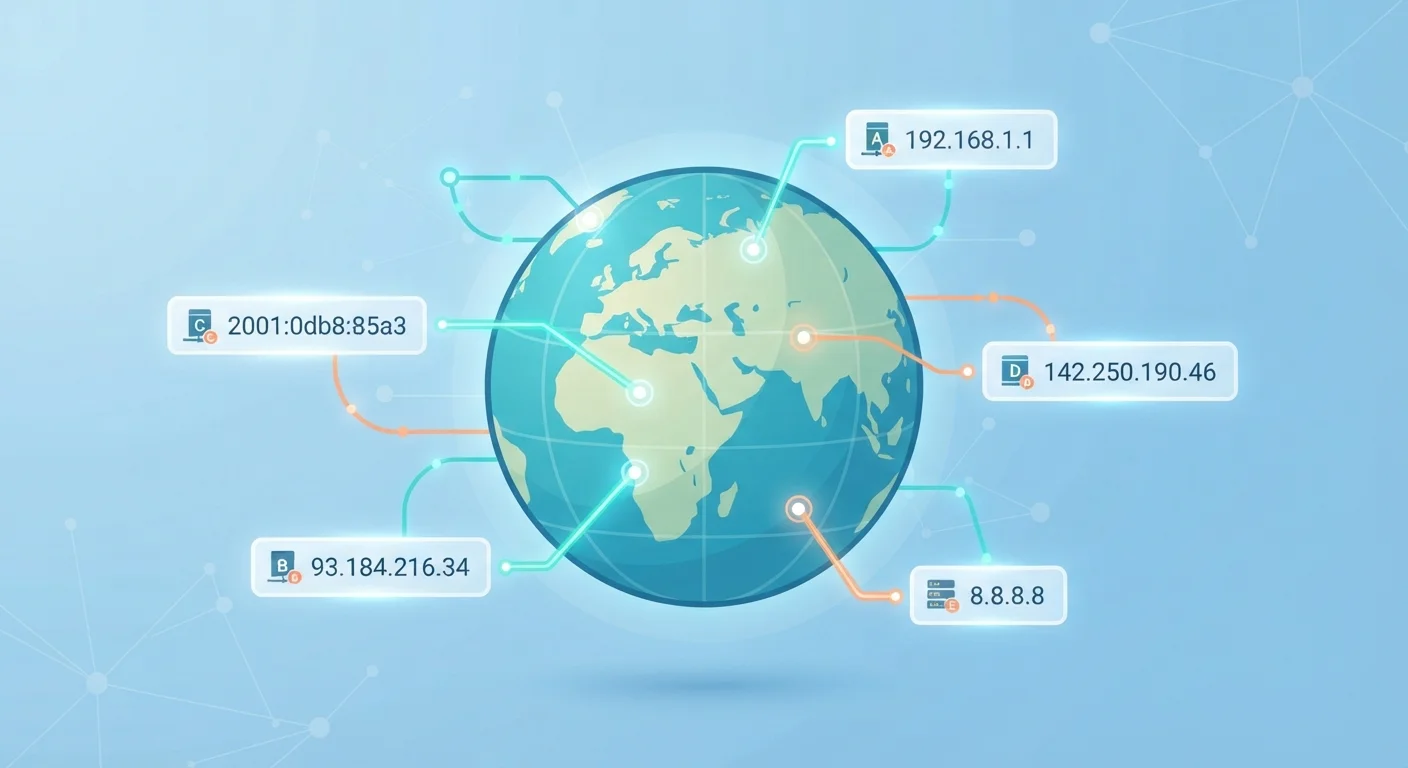
What an IP Address Actually Is
Think of the internet as a global postal system. Every time you visit a website, stream a video, or send a message, data travels back and forth between your device and a server somewhere in the world. For that data to reach the right destination, every participant needs a clear, unique address — and that is exactly what an IP address provides.
The letters stand for Internet Protocol, which is simply the set of rules that governs how data is packaged and sent across networks. An IP address is the identifier baked into that system. It tells routers and servers where data is coming from and where it should go.
If you want to understand how IP addresses fit into your broader home setup — including how your router manages them — see our plain-English guide to home networks.
~4.3B
Maximum unique IPv4 addresses
The IPv4 system's theoretical maximum was effectively exhausted as global internet adoption grew beyond early projections.
340 undecillion
Unique addresses supported by IPv6
IPv6's 128-bit address space provides enough unique addresses to support virtually unlimited device growth for the foreseeable future.
15+ billion
Internet-connected devices worldwide
The rapid expansion of smartphones, smart home devices, and IoT hardware is a primary driver of IPv4 address exhaustion.
IPv4 vs. IPv6: Two Formats, One Purpose
Most IP addresses you have encountered probably look something like 192.168.0.1 — four groups of numbers separated by dots. That is the IPv4 format, which has been the backbone of the internet since the early 1980s. It supports roughly 4.3 billion unique addresses, which sounded enormous at the time but has proven insufficient as the number of internet-connected devices exploded.
To solve this shortage, a newer system called IPv6 was developed. IPv6 addresses look very different — a long sequence of letters and numbers separated by colons, like 2001:0db8::7334. The format supports an almost unimaginably large number of unique addresses, enough to assign one to every grain of sand on Earth many times over.
Both systems operate in parallel today. Your device may use IPv4, IPv6, or both depending on your ISP and network configuration. You typically do not need to think about which one is active — it all happens automatically in the background.
IPv4 and IPv6 Co-Exist Today
Even though IPv4 addresses are exhausted at the global level, IPv4 still powers much of everyday internet traffic. ISPs and network operators manage the shortage through techniques like NAT, which allows many devices to share a single public IPv4 address. IPv6 adoption continues to grow alongside IPv4 rather than replacing it overnight.
Public vs. Private Addresses: What's the Difference?
Your home internet connection actually involves two separate layers of IP addressing, and understanding the difference clears up a lot of confusion.
Your public IP address is assigned by your Internet Service Provider (ISP). It is the address that identifies your household on the open internet — the number websites and online services see when you connect to them. Everyone in your home typically shares a single public IP address.
Your private IP address is a separate number assigned by your router to each individual device inside your home network — your laptop, phone, smart TV, and so on. These private addresses exist only within your home and are never visible to the outside internet. Your router acts as a translator between the two layers, a process called Network Address Translation (NAT).
This separation is also why your IP address does not reveal your front door. Websites can see your public IP, which points roughly to your ISP's regional infrastructure — often a city or metro area, not a specific street.
Check Your IP Address in Seconds
Need to know your public IP address quickly? Open any web browser and search for 'what is my IP address' — the result appears right at the top of the page. To find a device's private IP address, check your operating system's network settings: on Windows, look under Network & Internet; on a Mac, check System Settings > Network.
How IP Addresses Are Assigned
You almost never have to configure an IP address yourself. The process is automated through a system called DHCP (Dynamic Host Configuration Protocol). When a device joins a network, it broadcasts a request, and the router automatically hands it a private IP address from a pre-set range.
Your public IP address works similarly: your ISP assigns it automatically when your modem connects to their network. Most home customers receive a dynamic address, meaning it can change periodically. Businesses that run servers often pay for a static address that never changes, making it easier for others to find them consistently.
Understanding addressing is closely tied to how other internet fundamentals work. For example, when you type a website name into your browser, the internet needs to convert that human-readable name into an IP address — a job handled by the Domain Name System. Our article DNS: The Internet's Phone Book, Unpacked walks through exactly how that translation happens.
For a broader glossary of terms like these, the Key Internet Terms Every Beginner Should Know is a useful companion reference.


