

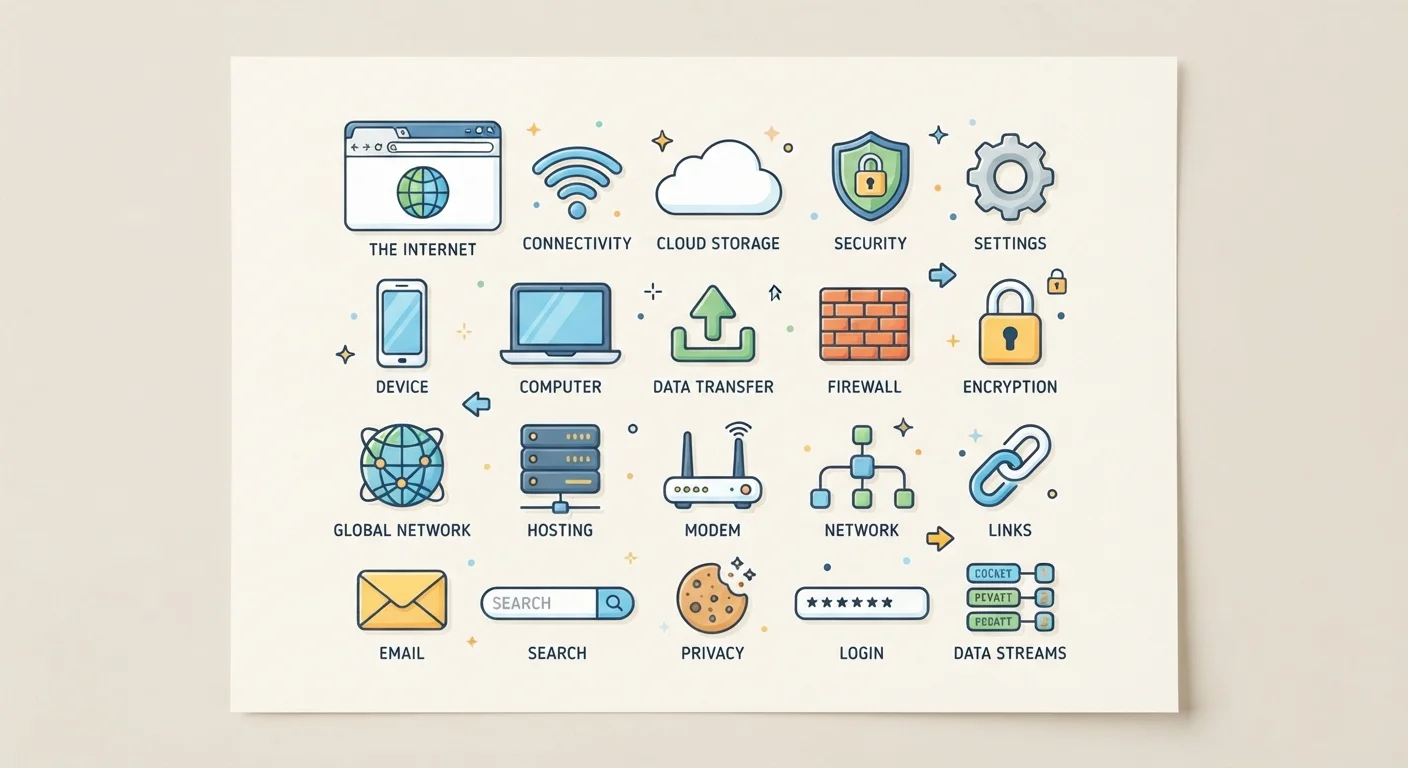
Why Internet Jargon Can Feel Overwhelming
Whether you're setting up Wi-Fi for the first time or trying to understand why a webpage won't load, the internet comes with a vocabulary of its own. Terms like bandwidth, VPN, and DNS get thrown around constantly — in tech support calls, device settings menus, and news articles — yet they're rarely explained from scratch.
This glossary exists to fix that. Each definition below uses plain English, skips unnecessary detail, and tells you why the term actually matters in everyday life. If you've ever wondered what separates a modem from a router, or what people mean by "the cloud," you're in the right place.
For a deeper dive into how devices connect and communicate, see our home network plain-English guide once you've built your vocabulary here.
Bandwidth
The maximum capacity of your internet connection, measured in Mbps (megabits per second). Higher bandwidth allows more data to travel at once, which means faster downloads and smoother streaming.
IP Address
A unique numerical label assigned to every device on a network, similar to a postal address. It tells other devices where to send data so it reaches the right destination.
DNS (Domain Name System)
The internet's phonebook. DNS translates human-readable website names (like example.com) into the numerical IP addresses that computers use to locate each other.
HTTPS
HyperText Transfer Protocol Secure — an encrypted version of the standard web protocol. When a website uses HTTPS, data exchanged between your browser and the site is scrambled to prevent eavesdropping.
VPN (Virtual Private Network)
A service that encrypts all of your internet traffic and masks your IP address by routing your connection through a remote server, adding a layer of privacy especially on public Wi-Fi.
Bandwidth Throttling
When an internet service provider intentionally slows your connection speed — often after you've used a set amount of data or during network congestion.
Cloud Storage
Files and data saved on remote servers (owned by a third-party company) rather than on your own device. Accessible from any internet-connected device.
Router
A device that distributes your internet connection to multiple devices in your home, either through Ethernet cables or wirelessly via Wi-Fi.
Modem
A device that connects your home network to your internet service provider's network, translating signals from the provider's infrastructure into data your devices can use.
Latency
The delay between sending a request and receiving a response, measured in milliseconds (ms). Low latency is especially important for video calls and online gaming.
Firewall
A security system — either hardware, software, or both — that monitors incoming and outgoing network traffic and blocks connections that appear suspicious or unauthorized.
Cookies
Small text files that websites store on your device to remember your preferences, login status, or browsing behavior. They're what allow a site to keep you logged in between visits.
Core Terms You'll Encounter Every Day
Once you recognize the terms below, a surprising amount of everyday tech confusion disappears. These are the concepts that come up most often — in router settings, subscription sign-ups, and conversations with IT support.
| Average US home internet speed | Around 200 Mbps (FCC Broadband Progress Reports) |
| What HTTPS stands for | HyperText Transfer Protocol Secure |
| What DNS translates | Domain names → IP addresses |
| Latency target for smooth video calls | Under 150 ms (ITU-T G.114 recommendation) |
| Common VPN use case | Securing traffic on public Wi-Fi |
Bandwidth and Speed
Bandwidth describes the maximum amount of data your internet connection can carry at once — think of it like the width of a highway. More lanes means more cars (data) can move simultaneously. Internet providers advertise bandwidth in Mbps (megabits per second). Higher Mbps generally means faster downloads, smoother video calls, and less buffering when multiple people share the same connection.
IP Addresses and DNS
Every device connected to the internet has an IP address — a unique numerical label that works like a mailing address. When you type a website name into a browser, the Domain Name System (DNS) translates that human-readable name (like example.com) into the numeric IP address computers actually use to find each other. To learn more about how IP addresses work, read our IP address explainer.
The Internet vs. the Web
Many people use "the internet" and "the web" as if they mean the same thing — they don't. The internet is the global network of connected computers and cables. The World Wide Web is one service that runs on top of the internet, made up of websites and webpages. Email and video calls also run on the internet but are not part of the web. See the full distinction explained clearly.
Encryption and VPNs
Encryption scrambles data so that only the intended recipient can read it. You benefit from encryption every time you see a padlock icon in your browser's address bar — that indicates the site uses HTTPS, a secure version of the web's transfer protocol. A VPN (Virtual Private Network) extends this idea by creating an encrypted tunnel for all your internet traffic, masking your IP address from websites and making your connection harder to intercept on public Wi-Fi.
The Cloud
"The cloud" simply refers to storage and computing power provided by remote servers — computers in large data centers — rather than your own device. When you save a photo to an online backup service or use a web-based document editor, you're using the cloud. Your files exist on someone else's server, accessible from any device with an internet connection.
Gadget Labels Use Similar Terms
Many of the terms in this glossary also appear on device boxes and spec sheets. If you encounter unfamiliar hardware abbreviations like RAM, SSD, or NFC, the Everyday Gadget Glossary covers those in the same plain-English format. Knowing both sets of terms makes it much easier to understand how your devices and your internet connection work together.


