

What Is a Smart Home Device?
A smart home device is any household gadget that can connect to the internet — usually through your home Wi-Fi — so you can monitor or control it remotely. Instead of walking over to flip a switch, you tap your phone or say a voice command. That's the core idea.
These devices range from simple smart bulbs and plugs to thermostats, door locks, and cameras. What they all share is the ability to receive and send information over a network. If you're new to the concept, think of it this way: a regular lamp just uses electricity, while a smart lamp uses electricity and data.
Before diving into specific devices, it helps to understand your home network. Our plain-English home network guide explains how your router, Wi-Fi, and connected devices fit together — a useful foundation before adding smart gadgets to the mix.
The Core Players: Plugs, Speakers, and Hubs
Three device types appear in nearly every beginner smart home setup:
- Smart plugs are small adapters that sit between a wall outlet and any appliance. They give that appliance remote on/off control through an app. No wiring, no installation — just plug in and connect.
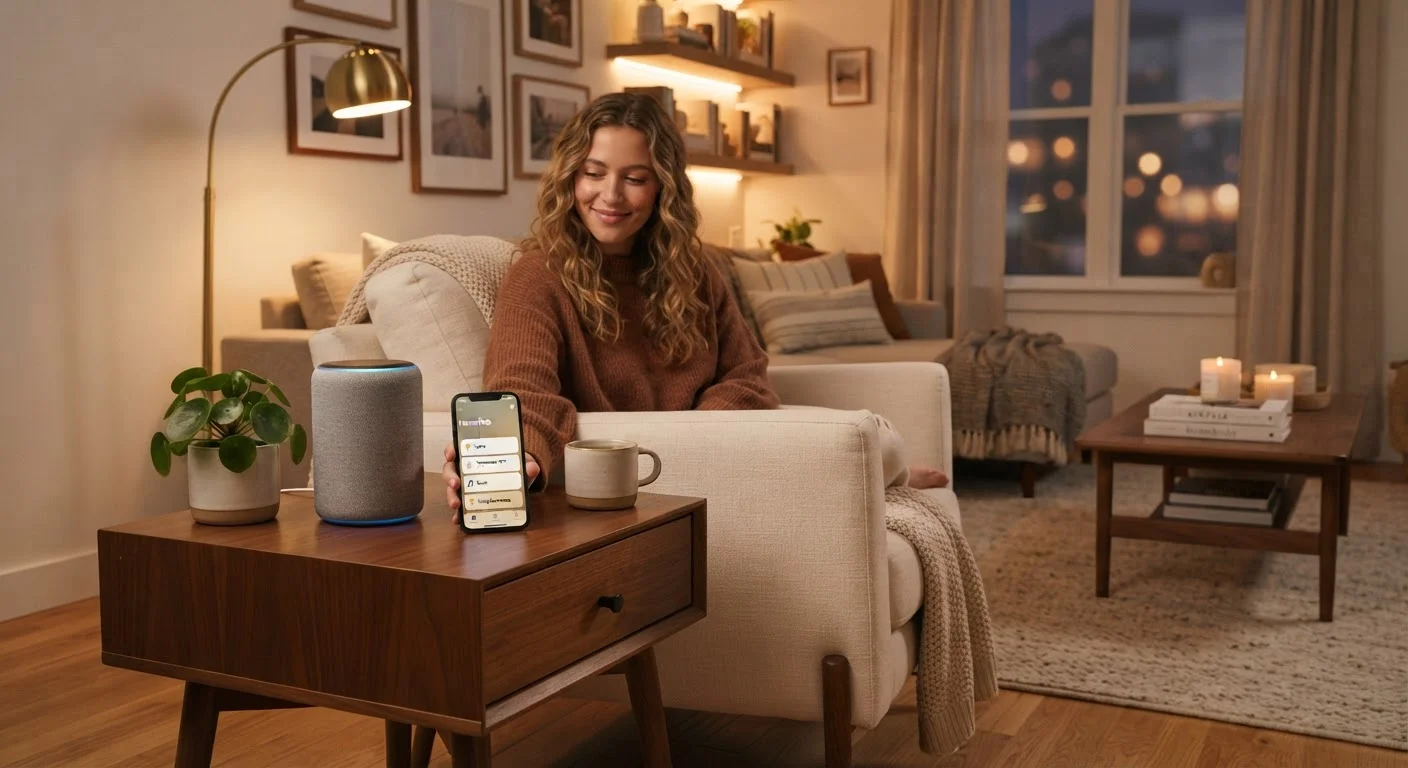
- Smart speakers combine a voice assistant (the software that listens and responds) with a speaker. You ask questions, set timers, or tell the speaker to turn off your living room lamp. They act as a voice-controlled remote for your other smart devices.
- Smart hubs are central controllers that bridge devices using different wireless protocols. Think of a hub like a translator: it lets a smart bulb using one communication language talk to a lock using another.
For most people, starting with a smart plug or a smart speaker is enough. You don't need a hub until your collection of devices grows and you want them all working together seamlessly. If you're also building out your entertainment setup, our guide to streaming devices covers how smart TVs and streaming sticks fit into the same connected home picture.
How Smart Devices Communicate
Smart devices use one of several wireless protocols — standardized rules for how devices send and receive data. The most common ones beginners will encounter are:
- Wi-Fi
- The same network your laptop and phone use. Most smart plugs and cameras connect via Wi-Fi. No extra hardware needed, but too many Wi-Fi devices can crowd your network.
- Bluetooth
- Short-range, direct connections between two devices. Often used for setup steps or for speakers and bulbs in a small space. Our Bluetooth explainer goes deeper on how pairing works and why it sometimes fails.
- Zigbee and Z-Wave
- Low-power protocols designed specifically for smart home devices. They form a mesh network where each device relays signals to others, extending range. These usually require a hub to connect to your internet router.
Devices that share the same protocol — or belong to the same platform ecosystem — generally work together with less friction than mixing brands arbitrarily.
Setting Up Your First Smart Device
Most smart home devices follow the same basic setup pattern:
- Download the companion app on your smartphone. Every major smart home device comes with one.
- Create an account with the manufacturer. This links your devices to your identity so you can control them remotely.
- Plug in or install the device, then follow the in-app pairing steps. For Wi-Fi devices, you'll enter your home network password during this step.
- Name the device clearly (e.g., "Kitchen Lamp" rather than "Device 1") so voice commands and automations stay intuitive.
- Test it — tap the on/off toggle in the app and confirm it responds.
Once your first device works, you can explore automations: pre-set rules like "turn the porch light on at sunset" or "switch off the coffee maker at 9 a.m." These are set inside the app and run without any action from you.
Privacy and Security Basics
Smart devices are always listening for commands or sending data back to manufacturer servers. That's not a reason to avoid them, but it is a reason to set them up thoughtfully.
- Use a strong, unique password for both your Wi-Fi network and every device account. Avoid reusing passwords from other services.
- Keep firmware updated. Firmware is the built-in software on your device. Manufacturers release updates that patch security vulnerabilities. Most apps handle this automatically if you allow it.
- Consider a guest network. Many routers let you create a separate Wi-Fi network for smart devices, isolating them from your main computers and phones.
- Review app permissions. Check what data each device's app requests access to — camera, microphone, location — and grant only what's necessary.
Smart home setup overlaps naturally with broader home management. Our home maintenance guide for new homeowners is a helpful companion if you're thinking about your home's systems more holistically.


