

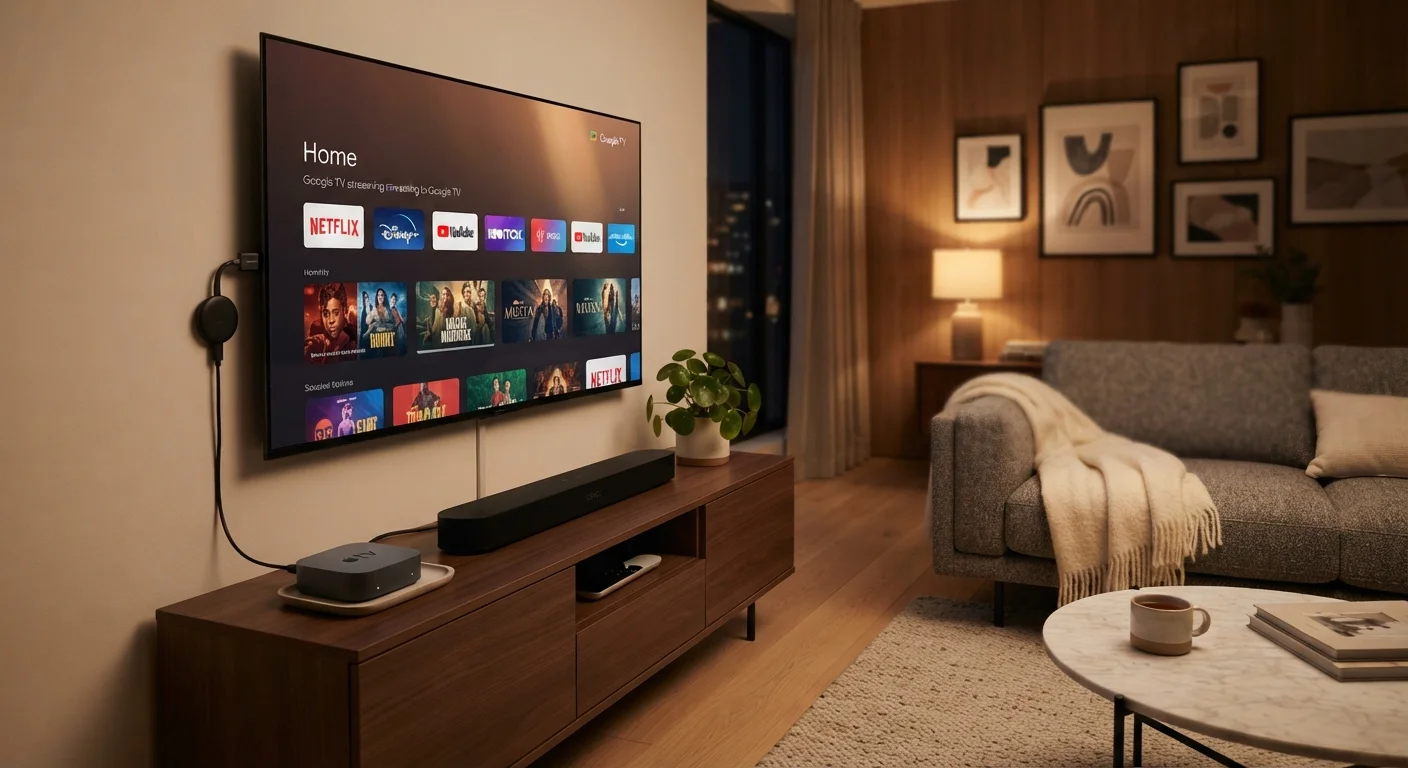
What Each Device Actually Does
Before comparing options, it helps to understand what each one is doing. All three approaches solve the same core problem: getting streaming apps like Netflix, Disney+, or YouTube onto your television screen. They just do it differently.
Streaming sticks are small dongles — roughly the size of a USB thumb drive — that plug directly into your TV's HDMI port. They run their own software and connect to your Wi-Fi. Plug it in, power it via USB, and you have a full streaming interface on any screen with an HDMI input.
Smart TVs have streaming software built directly into the television itself. There is no separate device — the processor and apps are inside the set. When you turn on the TV, you can go straight to a streaming app without touching any external gadget.
Set-top boxes are standalone devices that sit near your TV and connect via HDMI, similar to a streaming stick but larger. They typically have more processing power, more storage, and sometimes include features like over-the-air (OTA) tuners for free broadcast TV. For a broader look at how smart devices connect and work together, see our plain-English introduction to smart home devices.
Streaming Sticks: Portable and Affordable
Streaming sticks are the most accessible entry point. They typically cost less than set-top boxes and are easy to set up — most people are watching within ten minutes of opening the box. Because they're so small, you can unplug one and take it to a hotel room, a vacation rental, or a second bedroom without any hassle.
The trade-off is processing power. Cheaper sticks can feel sluggish when switching between apps, and they may struggle with 4K HDR content if the hardware is older or underpowered. Storage is also limited, so the device needs a stable internet connection to stream reliably — it isn't built for downloading content to watch offline.
Give Your Old TV New Life
If your television is more than five or six years old but still displays a clear picture, a streaming stick or set-top box is often a more cost-effective upgrade than buying an entirely new TV. You get modern app support and a current interface without replacing hardware that still works perfectly well.
Streaming sticks are also a practical way to breathe new life into an older television that lacks smart features, without the expense of buying a whole new set.
Smart TVs: Built-In Convenience With a Catch
Smart TVs are appealing because simplicity is their default state. One remote, one device, no clutter behind the TV. For casual viewers who mostly stick to a handful of apps, a smart TV often covers everything they need without any additional purchases.
The main concern is longevity. The processor inside a smart TV is fixed at the time of manufacture. After a few years, app developers update their software for newer, faster hardware — and older smart TV platforms can start to feel slow or stop receiving app updates altogether. A streaming stick or set-top box, by contrast, can be replaced cheaply while keeping the same TV.
TV spec sheets can also make smart TV shopping confusing. If terms like 4K, HDR10, and refresh rate feel overwhelming, our article on what TV specs actually tell you breaks it all down clearly.
| Streaming Stick | Smart TV | Set-Top Box | |
|---|---|---|---|
| Upfront cost | Low | Built into TV price | Moderate to high |
| Setup complexity | Very simple | Minimal (already built in) | Simple to moderate |
| Processing power | Basic to moderate | Varies by TV model | Highest of the three |
| Portability | Very portable | Not portable | Low portability |
| Long-term app support | Replaceable cheaply | May lag after a few years | Generally strong |
| 4K & HDR streaming | Supported on newer models | Depends on TV hardware | Broadly supported |
| OTA broadcast TV option | No | No (without add-on) | Available on some models |
| Best for | Casual or budget viewers | Simplicity-first households | Heavy or multi-user streaming |
Set-Top Boxes: More Power, More Options
Set-top boxes are the most capable of the three. They generally have faster processors, more RAM, and better long-term software support than either streaming sticks or the built-in systems in most smart TVs. This means smoother app performance, quicker load times, and more reliable 4K and Dolby Vision streaming.
Some set-top boxes also include an antenna tuner, which lets you receive free over-the-air broadcast channels — useful if you want local news and network TV without a cable subscription. They can also integrate with voice assistants and, in some cases, act as a hub for other smart home devices.
Don't Overlook Long-Term Software Costs
Set-top boxes carry a higher upfront price, and some platforms charge a one-time fee or require a subscription for full access. Before purchasing, confirm what ongoing costs, if any, come with the platform you're choosing. Read the fine print so there are no surprises after setup.
The downside is cost and footprint. A set-top box costs more upfront and adds another device to manage. For someone who only watches occasionally, that investment may not be justified.
How to Choose the Right Setup for Your Home
Start with your television. If it's an older set without HDMI or with no smart features, a streaming stick or set-top box is your only path. If you already own a recent smart TV with a platform you're happy with, adding a separate device may be unnecessary.
Consider how often and how intensively your household streams. A single viewer watching an hour of TV each evening has very different needs from a family running four simultaneous streams in different rooms. For heavier use, the added power of a set-top box tends to show its value over time.
Finally, think about your Wi-Fi setup. No streaming device — regardless of price — performs well on a weak or congested connection. Before upgrading your hardware, make sure your router can reliably reach the room where you watch. Just as choosing the right accommodation style comes down to how you actually travel (see our hotel vs. hostel vs. apartment rental comparison for a parallel example), picking a streaming setup is about matching real-world habits to the right tool.
87%
US households with at least one streaming subscription
According to Leichtman Research Group data, the vast majority of American households subscribe to at least one video streaming service.
3–5 years
Typical smart TV platform support lifespan
Consumer electronics analysts generally note that smart TV operating systems receive active app updates for around three to five years after a model's release.


