

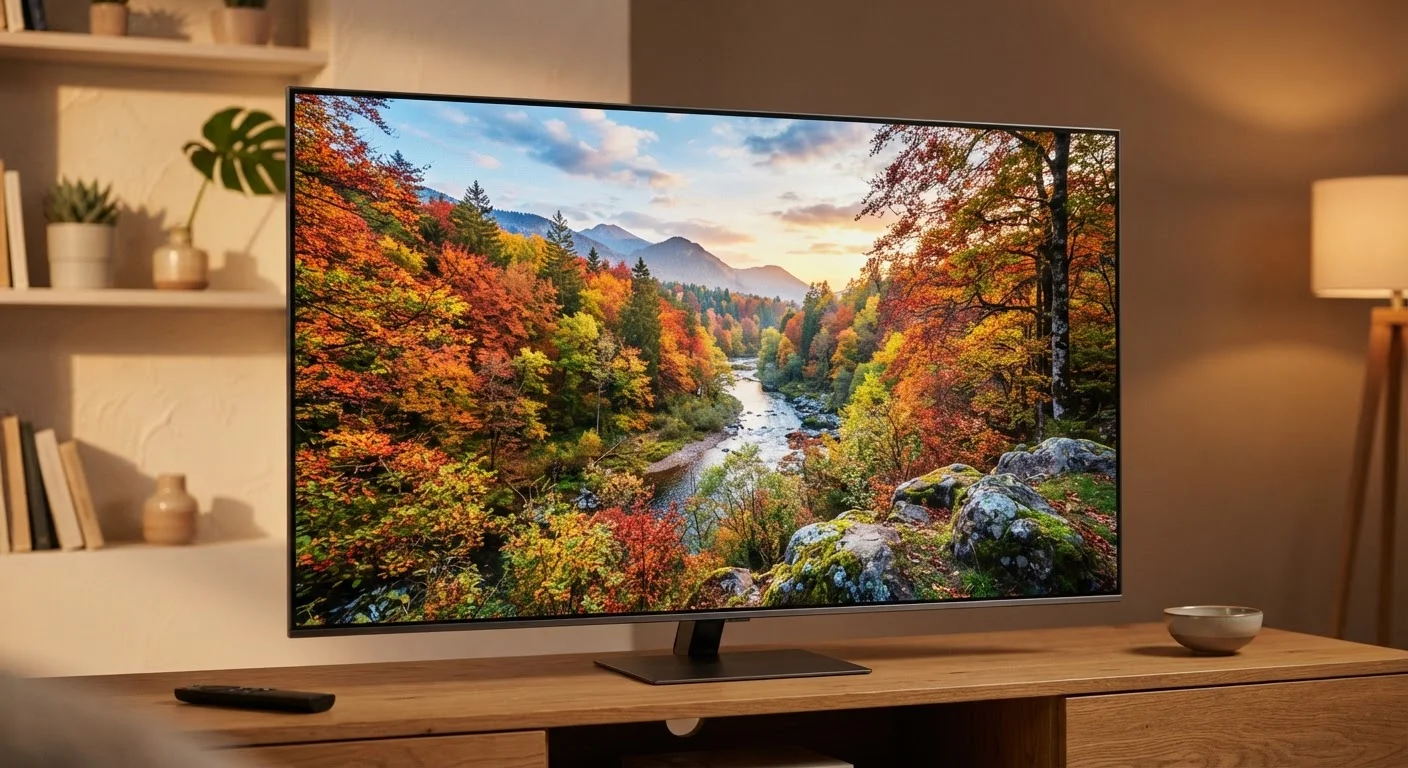
Why TV Spec Sheets Are Confusing
Walk into any electronics store or browse a retailer's website, and you'll see TV listings packed with terms like 4K, 120Hz, HDR10+, and QLED. These numbers and acronyms aren't random marketing noise — each one describes a real technical property. The problem is that manufacturers rarely explain what these specs mean in plain terms, or how much they actually affect what you see on your couch.
This guide cuts through the jargon, explaining the three most impactful specs — resolution, refresh rate, and HDR — in plain language. Once you understand these, you'll be able to read any TV spec sheet with confidence. For a broader look at device terminology, see our everyday gadget glossary.
| 4K pixel count | 8,294,400 pixels (3,840 × 2,160) |
| 1080p pixel count | 2,073,600 pixels (1,920 × 1,080) |
| Common native refresh rates | 60Hz and 120Hz |
| Main HDR formats | HDR10, HDR10+, Dolby Vision, HLG |
| 4K vs. 1080p pixel difference | 4× more pixels |
| Content needed for full 4K benefit | Native 4K streams or 4K Blu-ray |
Resolution: How Much Detail the Screen Can Show
Resolution describes how many individual pixels — tiny colored dots — make up the picture. More pixels means more detail, sharper edges, and finer textures.
- 1080p (Full HD): 1,920 × 1,080 pixels. Still very common and perfectly sharp on screens under 50 inches.
- 4K (Ultra HD): 3,840 × 2,160 pixels — four times as many pixels as 1080p. At typical viewing distances on larger screens (55 inches and up), the extra detail becomes genuinely visible.
- 8K: 7,680 × 4,320 pixels. Almost no consumer content is produced at this resolution yet, so the real-world benefit is minimal for most people today.
One important nuance: the TV's resolution only matters as much as the content you're watching. Streaming a standard-definition video on a 4K TV still looks like standard-definition. Native 4K content — from certain streaming services or 4K Blu-ray discs — is needed to fully use those extra pixels.
Resolution
The total number of pixels that make up a TV's picture, expressed as width × height (e.g., 3840 × 2160). Higher resolution means more detail and sharper images.
Refresh Rate
How many times per second a TV redraws its image, measured in hertz (Hz). Higher native refresh rates produce smoother motion, especially during fast-moving content.
HDR (High Dynamic Range)
A display technology that expands the range between the brightest and darkest parts of an image. HDR content displays brighter highlights and deeper shadows than standard video.
4K (Ultra HD)
A resolution standard of 3,840 × 2,160 pixels — four times the pixel count of 1080p Full HD. The extra detail is most visible on larger screens at normal viewing distances.
Dolby Vision
A licensed HDR format that adjusts brightness and color dynamically on a scene-by-scene or frame-by-frame basis, often producing more accurate images than the base HDR10 standard.
Native Refresh Rate
The actual number of times per second a TV panel physically redraws the image, as opposed to artificially inflated "effective" or "motion rate" numbers used in marketing.
Refresh Rate: How Smooth Motion Looks
Refresh rate measures how many times per second the TV redraws the image on screen, expressed in hertz (Hz). A higher refresh rate makes fast-moving images look smoother and reduces motion blur.
- 60Hz: The baseline for most TVs. Films, TV shows, and most streaming content are produced at 24 or 30 frames per second, so 60Hz handles them well.
- 120Hz: Doubles the redraw speed. This is most noticeable during live sports, action movies, and video games — content that actually delivers higher frame rates.
A word of caution: many manufacturers advertise inflated numbers like 240Hz or Motion Rate 960. These are often processed or interpolated rates, not the panel's true native refresh rate. Look specifically for the native refresh rate in the specs. Also note that marketing features like "motion smoothing" can make filmed content look unnaturally hyper-real — a look many viewers prefer to turn off.
Watch Out for Inflated Refresh Rate Claims
Terms like "Motion Rate," "TruMotion," "Clear Motion," and similar branded labels often refer to processed or interpolated frame rates, not the panel's true native refresh rate. Always look for the native Hz figure in the technical specifications section. A TV advertised with "Motion Rate 240" may have a native panel refresh rate of only 60Hz.
HDR: Brighter Highlights and Deeper Shadows
HDR stands for High Dynamic Range. Where resolution is about detail and refresh rate is about motion, HDR is about the range of light and color the TV can reproduce. An HDR-capable TV can display much brighter highlights (think sunlight reflecting off water) and much darker shadows simultaneously, producing an image that feels closer to what your eyes see in real life.
You'll encounter several HDR formats on spec sheets:
- HDR10: The baseline open standard. Supported by almost every HDR TV and most HDR content.
- HDR10+: A newer open standard that adds scene-by-scene brightness adjustments for more accurate images.
- Dolby Vision: A licensed format with similar dynamic brightness adjustments to HDR10+. Widely supported by streaming services.
- HLG (Hybrid Log-Gamma): Designed for broadcast TV, less common in streaming.
For most viewers, a TV supporting HDR10 and Dolby Vision covers the vast majority of available content. If you're also thinking about how you'll get content onto your TV, compare streaming setups to understand your options.
4×
More pixels in 4K vs. 1080p
A 4K panel contains roughly four times the pixel count of a Full HD 1080p display at the same screen size.
120Hz
Redraws per second on high-refresh panels
A native 120Hz panel refreshes the image 120 times every second, roughly halving the time between frames compared to 60Hz.
1,000+ nits
Typical peak brightness on HDR displays
Many HDR-capable TVs can reach 1,000 nits or more of peak brightness, far exceeding the roughly 100–300 nits of standard dynamic range displays.
Putting It All Together
These three specs work together rather than independently. A TV with high resolution but no HDR will look detailed but flat. A TV with HDR but a slow refresh rate will look vivid but blurry during sports. Ideally, you want all three to be solid for the type of content you watch most.
A practical rule of thumb: for a TV 55 inches or larger used in a typical living room, prioritize 4K resolution, a native 120Hz panel if you watch sports or game, and HDR10 + Dolby Vision support for streaming. Smaller screens used from further away will show fewer differences between spec tiers.
Understanding these specs works the same way as learning any technical terminology — once you know what each term actually measures, the rest of the spec sheet becomes much easier to read. For a similarly approachable breakdown of another device category, see what camera lens numbers mean.


