

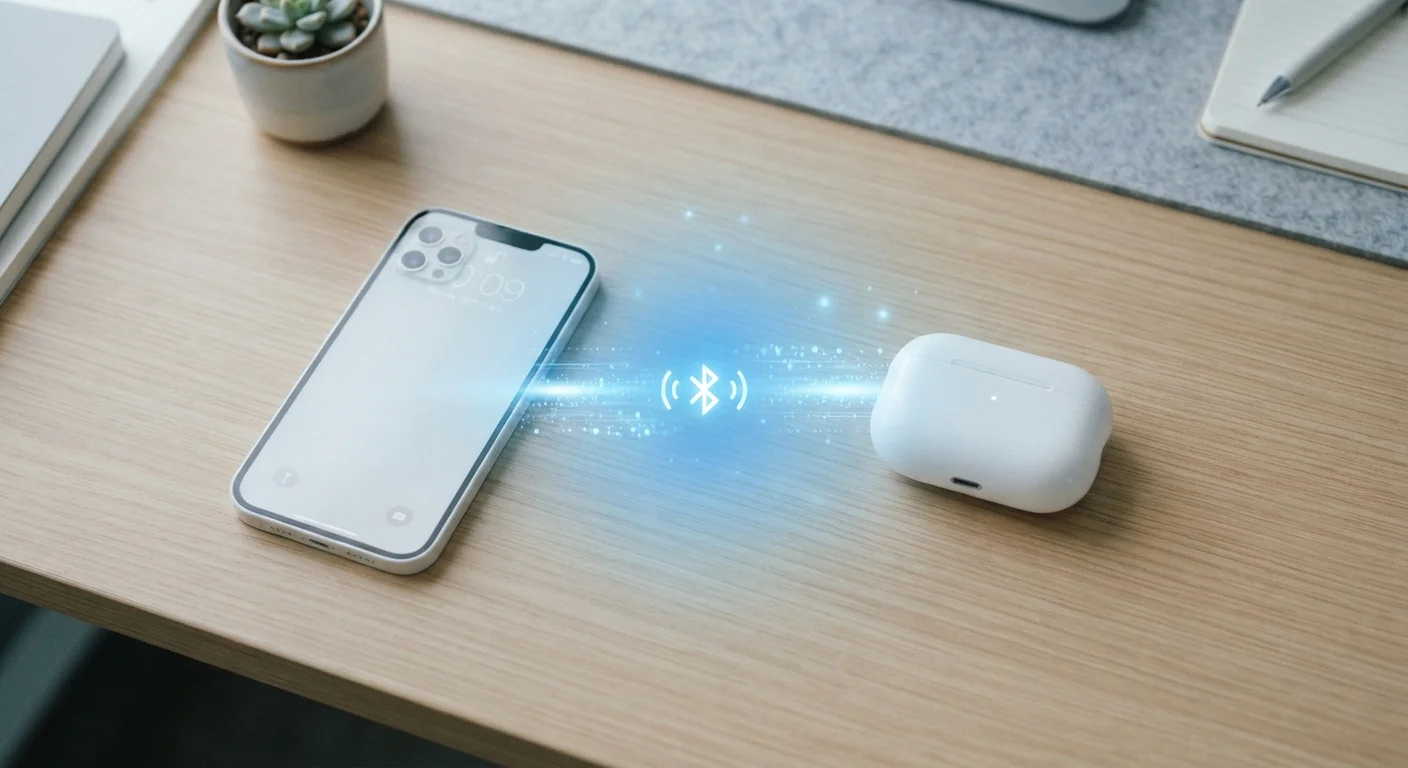
How Bluetooth Actually Sends a Signal
When you press play and sound comes out of your wireless speaker, something remarkably clever is happening invisibly. Your phone converts audio into a rapid stream of data, then transmits it as radio waves on the 2.4 GHz band — the same general neighborhood of the spectrum used by many Wi-Fi networks.
To avoid stepping on those signals, Bluetooth uses a technique called frequency-hopping spread spectrum. Rather than staying fixed on one radio channel, a Bluetooth connection jumps between 79 different channels up to 1,600 times per second. This makes it highly resistant to interference and difficult to intercept. The speaker's Bluetooth chip receives those hops in lockstep, reassembles the data, and converts it back to sound — all within milliseconds.
The radio waves involved are low-power by design, which is why Bluetooth has a limited range (typically around 30 feet for consumer devices) and doesn't drain your battery the way a cellular radio would. For a deeper look at all the wireless and processing components that make this possible, see what's inside your smartphone.
~30 ft
Typical consumer Bluetooth range
Most headphones, speakers, and wearables are optimized for connections up to approximately 10 meters under real-world conditions.
1,600×/sec
Frequency hops per second
Bluetooth's frequency-hopping spread spectrum switches channels up to 1,600 times per second to reduce interference and improve reliability.
Bluetooth 5.0
4× range versus Bluetooth 4.2
According to the Bluetooth Special Interest Group, Bluetooth 5.0 quadrupled theoretical range and doubled data throughput compared to version 4.2.
What Pairing Actually Does — and Why It Sometimes Goes Wrong
Pairing is the one-time process where two Bluetooth devices establish a trusted relationship. During pairing, both devices exchange cryptographic keys that they store in memory. From that point on, whenever they're in range and both have Bluetooth enabled, they can reconnect automatically without repeating the handshake.
Most pairing failures come down to a handful of predictable causes:
- One device is already connected elsewhere. Many Bluetooth devices can only maintain one active connection at a time (though multi-point Bluetooth, available on some newer headphones, allows two simultaneous connections).
- Corrupted pairing memory. If a previous connection saved incorrectly, the devices may attempt to use a broken key. The fix: 'forget' the device on both ends and pair again from scratch.
- Both devices weren't in pairing mode at the same time. Pairing mode usually times out after 30–60 seconds. If one device stopped advertising itself, the handshake never starts.
- Distance or interference. Attempting to pair through a wall or near a busy Wi-Fi router adds noise that disrupts the initial exchange.
Quick Fix for Stubborn Pairing Problems
If a device refuses to pair, try this sequence: turn Bluetooth off and back on for both devices, then 'forget' or 'unpair' the device from your phone's Bluetooth settings list. Put the accessory into pairing mode again (usually by holding the power button until an LED flashes) and reconnect as if it were brand new. This clears any corrupted saved keys and gives both devices a clean start.
What Bluetooth Versions Actually Mean
You've likely seen specs listing Bluetooth 4.2, 5.0, or 5.3. Each version represents a new generation of the underlying standard, developed by the Bluetooth Special Interest Group (Bluetooth SIG). Here's what the numbers translate to in practice:
| Version | Key Improvement |
|---|---|
| 4.0 | Introduced Bluetooth Low Energy (BLE) for fitness trackers and sensors |
| 4.2 | Faster speeds, improved privacy protections |
| 5.0 | Up to 4× range, 2× speed versus 4.2, better coexistence with Wi-Fi |
| 5.2 | Added LE Audio, enabling higher-quality audio on BLE devices |
| 5.3 | Improved connection reliability and energy efficiency |
Bluetooth is backward compatible — a device with Bluetooth 5.0 can connect to one running 4.2, but the connection defaults to the older version's capabilities. This is why buying the newest headphones doesn't automatically guarantee the best experience if your phone runs an older Bluetooth chip.
Bluetooth's short-range, device-to-device nature makes it very different from technologies like Wi-Fi or mobile data. If you're curious how those compare in terms of speed and battery impact, Wi-Fi vs. mobile data breaks that down clearly.
Bluetooth in the Bigger Picture
Bluetooth quietly powers a wide range of everyday experiences: wireless headphones, smartwatches, car audio, keyboards, medical wearables, and smart home devices. For the latter, Bluetooth often works alongside other short-range protocols like Zigbee or Z-Wave. If smart home tech interests you, this plain-English introduction to smart home devices explains how these pieces fit together.
Bluetooth is also increasingly part of how devices stay in sync across ecosystems. While syncing your notes or photos across devices usually relies on cloud services and Wi-Fi, Bluetooth often handles the handoff for local transfers and proximity detection. Syncing across devices covers that bigger picture.
Bluetooth Low Energy Is a Different Mode
Bluetooth Low Energy (BLE), introduced in Bluetooth 4.0, is not simply a power-saving tweak — it is a fundamentally different communication mode optimized for devices that send small bursts of data occasionally, like heart rate monitors, location beacons, and smartwatches. Classic Bluetooth and BLE can coexist in the same device, but they serve distinct use cases. Most modern smartphones include chips that support both modes simultaneously.


