

How Each Connection Actually Works
Wi-Fi and mobile data both connect your device to the internet, but they use completely different paths to get there. Understanding those paths explains nearly every practical difference between them.
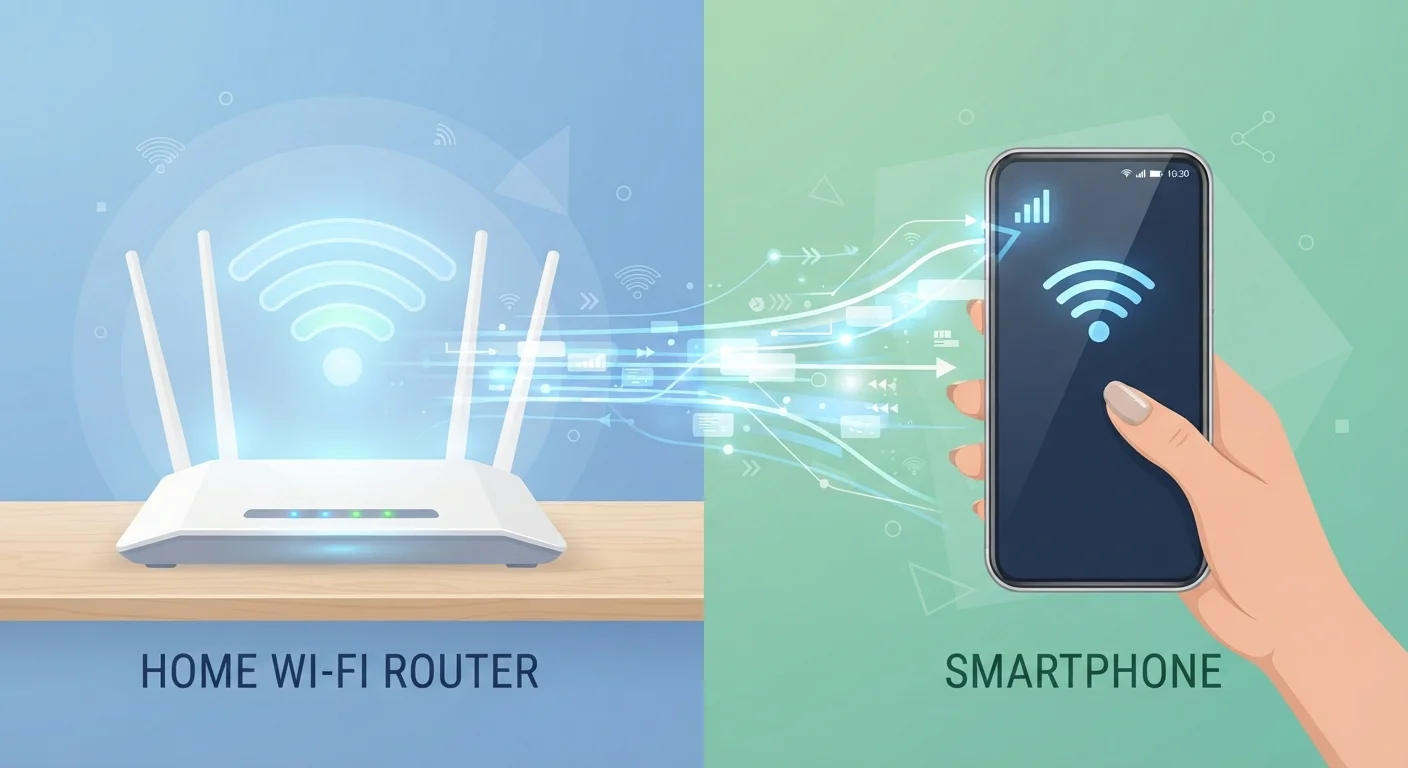
Wi-Fi creates a short-range wireless network using radio waves, typically between your device and a router in your home, office, or a public space. That router is physically connected to an internet service provider (ISP) via a cable — usually fiber or coaxial — so your data travels wirelessly only for the last few feet, then switches to a wired backbone.
Mobile data (also called cellular data) works entirely over-the-air. Your phone communicates with a cell tower owned by your carrier — such as a network using 4G LTE or 5G technology — and that tower connects to the broader internet through the carrier's own infrastructure. There's no cable involved at your end at all.
This single difference — short-range radio vs. long-range cellular — is the root cause of the variations in speed, latency, security, and battery drain that we'll unpack below. For a plain-language primer on what speed numbers actually mean, see our guide to bandwidth, speed, and latency.
Speed and Latency: Which Is Actually Faster?
In most home environments, Wi-Fi is faster. A modern home router using the Wi-Fi 6 standard can sustain speeds well above 500 Mbps (megabits per second) when you're close to it. Even older routers typically outpace the average real-world mobile data connection most users experience day-to-day.
Mobile data speeds vary enormously by location, carrier, network generation, and how many other people are sharing the same tower. A 5G connection in a dense urban area with strong signal can rival or beat home Wi-Fi; a 4G LTE signal in a rural area may deliver just a few Mbps.
Latency — the delay between sending a request and receiving a response, measured in milliseconds — also differs. Wi-Fi over a wired home connection typically produces latency under 20 ms. Mobile data on 4G LTE averages 30–50 ms, and while 5G can approach Wi-Fi latency, that performance is still inconsistent outside of optimal conditions. For gaming or video calls, lower latency matters more than raw speed.
| Wi-Fi | Mobile Data | |
|---|---|---|
| Typical Speed | 50–500+ Mbps at home | 10–100 Mbps (varies by coverage) |
| Latency | Under 20 ms (wired router) | 30–50 ms on 4G LTE |
| Security (default) | Varies; home is good, public is risky | Encrypted by cellular protocol |
| Coverage | Limited to router range | Near-nationwide on major US carriers |
| Battery Impact | Lower drain on smartphones | Higher drain, especially on weak signal |
| Data Limits | Usually unlimited via home ISP | Often capped or throttled by plan |
Security: What Are the Real Differences?
This is an area where the two connections behave quite differently by design. Mobile data is sent between your phone and the cell tower using encryption built into the cellular protocol — you don't need to configure anything, and there's no shared network for a stranger nearby to join.
Wi-Fi security depends heavily on the network you're using. Your home router, set up with WPA2 or WPA3 encryption (the current standards), is reasonably secure. Public Wi-Fi — at coffee shops, airports, or hotels — is a different story. These networks are often open or use a shared password that anyone can obtain, meaning traffic can potentially be observed by others on the same network.
That said, this risk is frequently overstated. Most websites and apps now use HTTPS encryption, which protects the content of your data even on an open network. The more realistic threats on public Wi-Fi involve deceptive hotspots and session tracking. Our companion piece on what public Wi-Fi risks are real explains this in full detail.
Don't Log Into Sensitive Accounts on Open Public Wi-Fi
Even with HTTPS protecting most content, it's wise to avoid accessing banking apps, entering passwords, or sending sensitive documents on an unsecured public network. If you regularly work in cafés or airports, consider using your mobile data for anything sensitive, or look into what a VPN (Virtual Private Network) does — it encrypts your traffic before it leaves your device, adding a consistent layer of protection on any network.
Battery Life and Coverage Trade-offs
Your smartphone's mobile data radio is one of its biggest power consumers. Maintaining a connection to a cell tower — especially when signal is weak and the phone has to boost its transmission power to compensate — drains your battery noticeably faster than sitting on Wi-Fi.
Switching to Wi-Fi when you're at home or at a desk is one of the simplest ways to extend your phone's battery life through the day. Most devices do this automatically when a known network is available, but it's worth confirming your settings if battery life is a concern.
Coverage, however, is the one area where mobile data wins comprehensively. Wi-Fi is only available where someone has set up a router and you have the credentials to join. Mobile data goes wherever your carrier has tower coverage — which, for the major US networks, includes most populated areas and many rural stretches. This makes mobile data essential for navigation, communication, and browsing when you're away from home.
Switch Deliberately, Not by Default
Most smartphones automatically prefer Wi-Fi when available, but they don't always choose the fastest or most secure option. If your home router is in another room and the signal is weak, your device may actually perform better on mobile data. Check your signal strength indicator — if Wi-Fi shows only one or two bars, toggling to mobile data temporarily can improve performance. Also review your phone's Wi-Fi settings to remove old or unreliable saved networks that your phone might connect to automatically.
Understanding where each connection makes sense also informs how apps behave — for more on that, see our article on what offline mode really means in the apps you use.


