

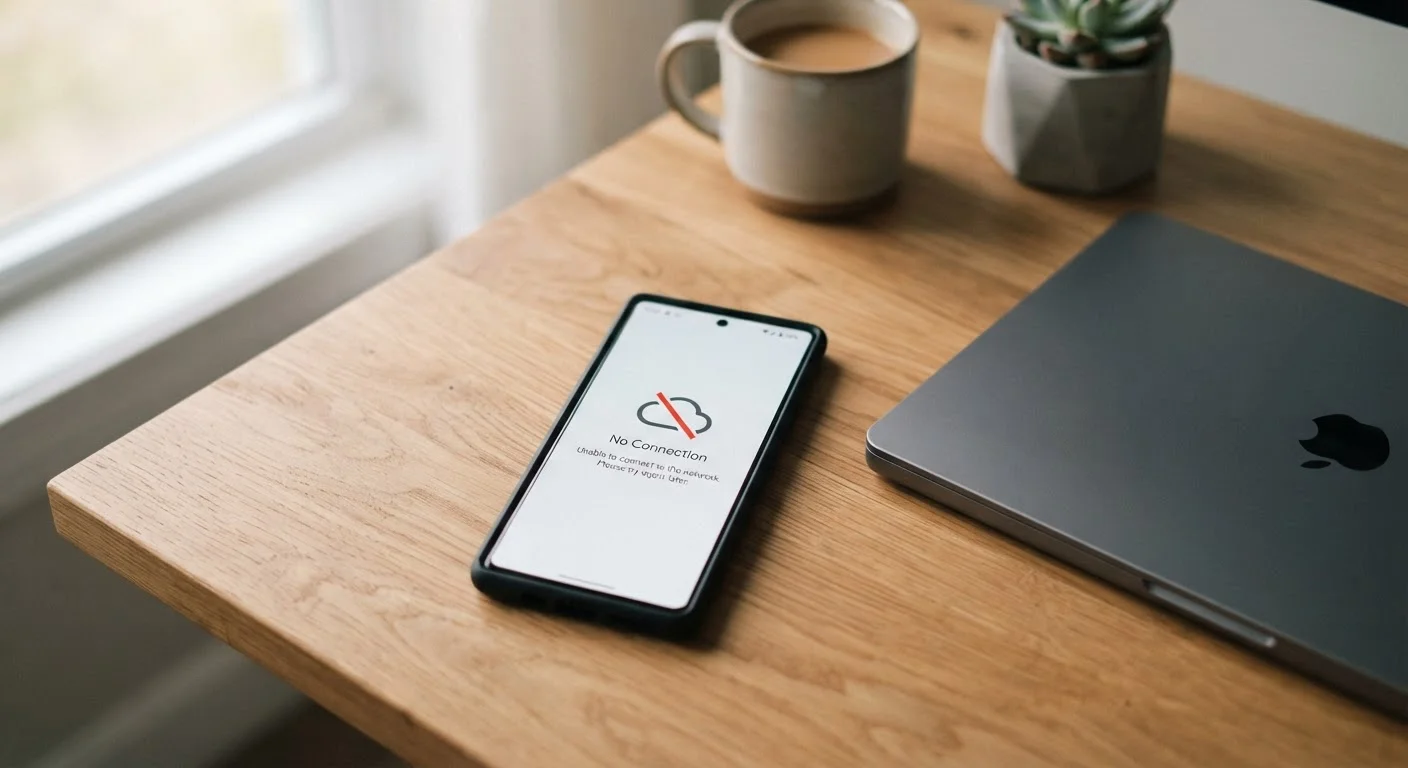
What 'Offline Mode' Actually Means
When an app says it works offline, it doesn't mean the app becomes fully functional without internet. It means the app can do some things using data that's already stored on your device. Understanding that distinction saves a lot of frustration.
Your phone or tablet stores certain app data in a section of its memory called a local cache. When you lose your internet connection, the app falls back on whatever is saved there. If nothing has been downloaded in advance, the app may show blank screens, stale content, or an outright error.
For a deeper look at how connections affect your apps, see how Wi-Fi and mobile data differ in everyday use.
How Different Apps Handle Offline Access
Offline behavior varies significantly depending on what the app is built to do. Here are the most common patterns:
- Music and podcast apps — Songs or episodes you've specifically downloaded play fine offline. Anything you haven't downloaded requires a connection, even if you've played it before.
- Document and note-taking apps — Many allow you to read and edit files you've recently opened. Changes are saved locally and synced once you reconnect.
- Maps apps — Most require you to deliberately download a region before going offline. Without that step, navigation won't function.
- Social media apps — You may be able to scroll through posts loaded before you lost connection, but you can't refresh, post, or load new content.
- Email apps — Already-downloaded emails are readable. You can draft replies, but they won't send until you're back online.
- Streaming video apps — Only content you've explicitly downloaded to your device is playable. Streaming requires an active connection at all times.
Local cache
A small storage area on your device where an app saves recently accessed data. This is what makes offline access possible — the app reads from this local copy instead of the internet.
Offline mode
A state in which an app operates using only data already stored on your device, without making any requests to the internet. Functionality is limited to what was saved before the connection was lost.
Sync
The process of matching data between your device and a remote server. Syncing requires an active internet connection and typically happens automatically when you reconnect.
Download (for offline use)
A deliberate action within an app to save specific content — like a map region, song, or video — to your device's storage so it can be accessed without internet later.
One thing these patterns share: offline access is almost always about pre-downloaded content, not magic access to the internet's full library.
Common Misconceptions — and What to Expect
Many users assume that if they've used an app recently, all of its content will be available offline. That's rarely how it works. Most apps only cache what you've actively interacted with, and even then, cached data has an expiration window.
Airplane Mode vs. Offline Mode: Not the Same
Airplane mode is a device-level setting that disables all wireless communication, including cellular, Wi-Fi, Bluetooth, and sometimes GPS. Offline mode is an app-level concept that simply means the app stops relying on internet connectivity. You can be on airplane mode and still use offline-capable app features — just make sure to download what you need before you board.
Another common misunderstanding: believing that airplane mode and offline mode are the same thing. Airplane mode cuts all wireless signals on your device — including Bluetooth and GPS. Offline mode within a specific app simply means that app stops relying on an internet connection, while everything else on your device continues normally.
If you're curious about similar naming-versus-reality gaps in technology, the article on private browsing myths covers that exact pattern for browser privacy modes.
The practical takeaway: if you know you'll be without internet — on a plane, in a rural area, or during travel — download content in advance while you still have a connection. Don't wait until you're offline to discover what isn't cached.
Understanding what an app actually stores on your device also connects to broader questions about what you've agreed to. Our guide to app permissions explains what apps can access and store on your behalf.


