

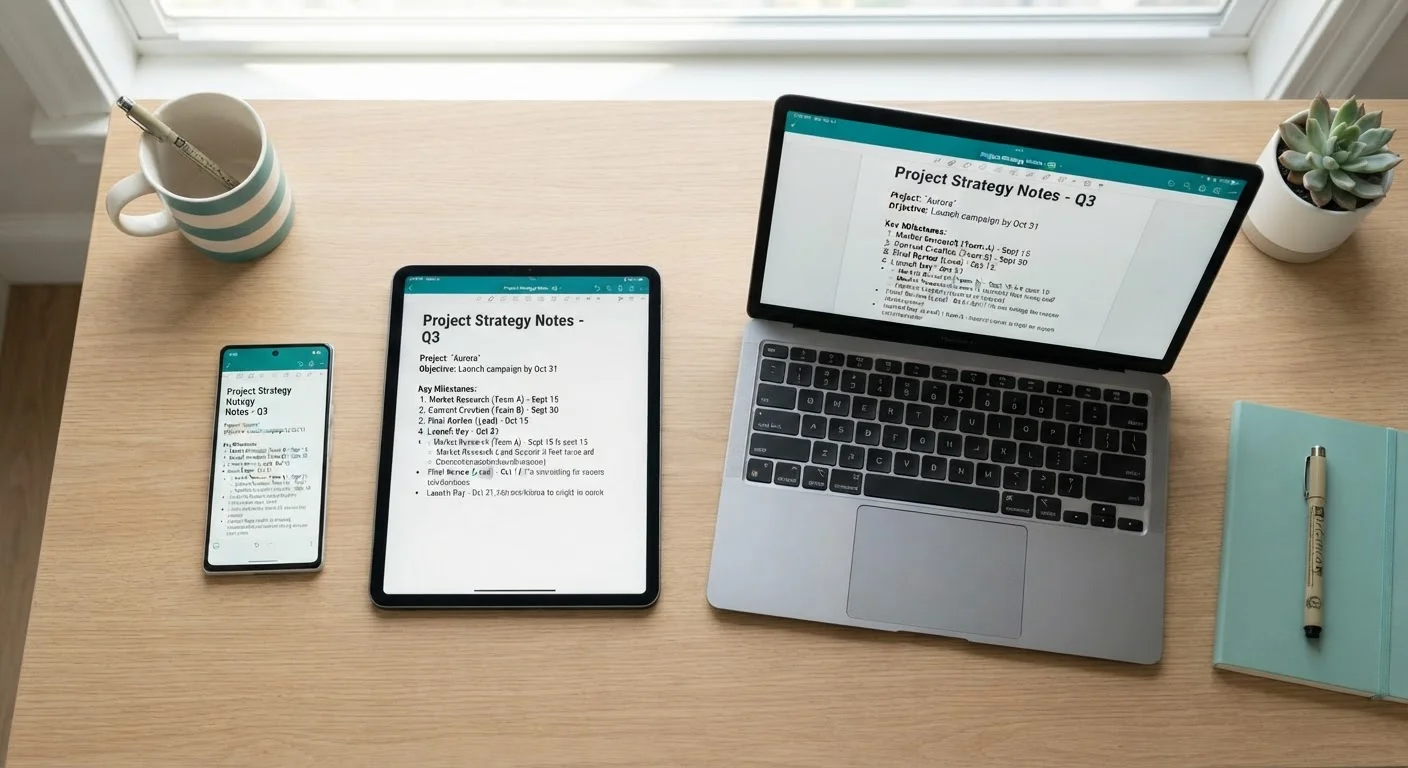
The Central Idea: A Shared Middleman
Think of syncing like a shared whiteboard in a room that everyone can see from their own home. When you write something on your phone, it doesn't travel directly to your laptop — instead, it goes up to a server (essentially a powerful computer run by a service like Apple, Google, or Microsoft) and then gets sent down to every other device connected to your account. That server in the middle is what makes syncing possible.
This is why having an internet connection matters. Without it, changes pile up on the device you're using and get delivered to the server — and then to your other devices — as soon as connectivity is restored. It's also why your devices must all be signed into the same account. The account is the identity that tells the server which devices belong together.
Syncing vs. Backing Up: A Key Distinction
Syncing and backing up often get confused because they both involve moving data to the cloud. Syncing keeps your current data consistent and available across devices in real time. Backing up saves a complete copy of your device's state so you can restore it after data loss or a broken device. Many cloud services — like iCloud and Google One — do both, but they run as separate processes. Relying on sync alone without a dedicated backup means a deleted file could disappear from all your devices before you notice.
What Actually Gets Synced
Not everything on your device syncs automatically — only the data that specific apps and services are set up to share. Here are the most common types:
- Contacts and calendars: Usually synced through your Google or Apple account the moment you add a new contact or event.
- Photos: Services like iCloud Photos or Google Photos upload images to the cloud and make them viewable on any signed-in device.
- Notes and documents: Apps like Apple Notes, Google Docs, or Microsoft OneNote save your work to the cloud so edits appear on all devices within seconds.
- Browser tabs and bookmarks: Sign into Chrome, Safari, or Edge, and your open tabs and saved bookmarks follow you from device to device.
- App settings and passwords: Many systems sync your preferences and saved passwords so you don't have to re-enter them on each device.
If you're curious how syncing connects to switching phones, the same cloud infrastructure is what makes transferring to a new device so smooth.
Set Photos and Large Files to Sync on Wi-Fi Only
If you sync photos or large documents automatically, your mobile data can drain quickly without you realizing it. Most cloud apps — including Google Photos and iCloud — let you restrict uploads and downloads to Wi-Fi connections only. Enable this in the app's settings to keep your data usage predictable, especially if you're on a capped mobile plan.
Why Syncing Sometimes Lags or Fails
Syncing feels magical when it works, but a few things can interrupt it. Understanding these helps you troubleshoot quickly.
- No internet connection: Syncing pauses completely offline. Updates queue up and deliver once connectivity returns.
- Wrong account on one device: If your tablet is signed into a different email address than your phone, they won't share data at all.
- Syncing turned off: Many apps have a sync toggle in their settings. It's easy to accidentally disable this, especially during setup.
- Storage limits reached: Cloud services have a storage cap. When you hit it, new data stops syncing until you free up space or upgrade your plan.
- App not installed: A note created in Apple Notes won't appear on a Windows PC unless you've installed the corresponding app or accessed the web version.
To keep your devices secure while syncing, it's worth reviewing practical security habits for everyday device users, since synced accounts are a common target for unauthorized access.
~96%
US adults who own multiple connected devices
Pew Research Center data consistently shows the vast majority of American adults own at least a smartphone plus one other internet-connected device, making cross-device syncing a near-universal daily experience.
2–30 sec
Typical sync delay for most cloud services
Under normal Wi-Fi conditions, leading cloud platforms such as Google Drive and iCloud generally propagate changes to other devices within seconds, though large files or slow connections can extend this.
Syncing Across Different Brands
Syncing gets more interesting — and slightly more complicated — when your devices aren't all from the same company. An iPhone user who also has a Windows laptop can't rely on iCloud alone, since iCloud's features are limited on Windows. The solution is cross-platform services: apps that run on any device and use their own cloud to bridge the gap.
Google Drive, for example, works natively on Android, iPhone, Mac, and Windows. Save a document on your Android phone, and it's available on your Mac instantly. Microsoft OneDrive does the same across platforms. These services essentially act as a neutral meeting point for devices that wouldn't otherwise communicate.
For a deeper look at how different devices compare in everyday use, our tablet vs. laptop breakdown covers how each handles tasks like document editing and media access — both areas where syncing plays a big role.


