

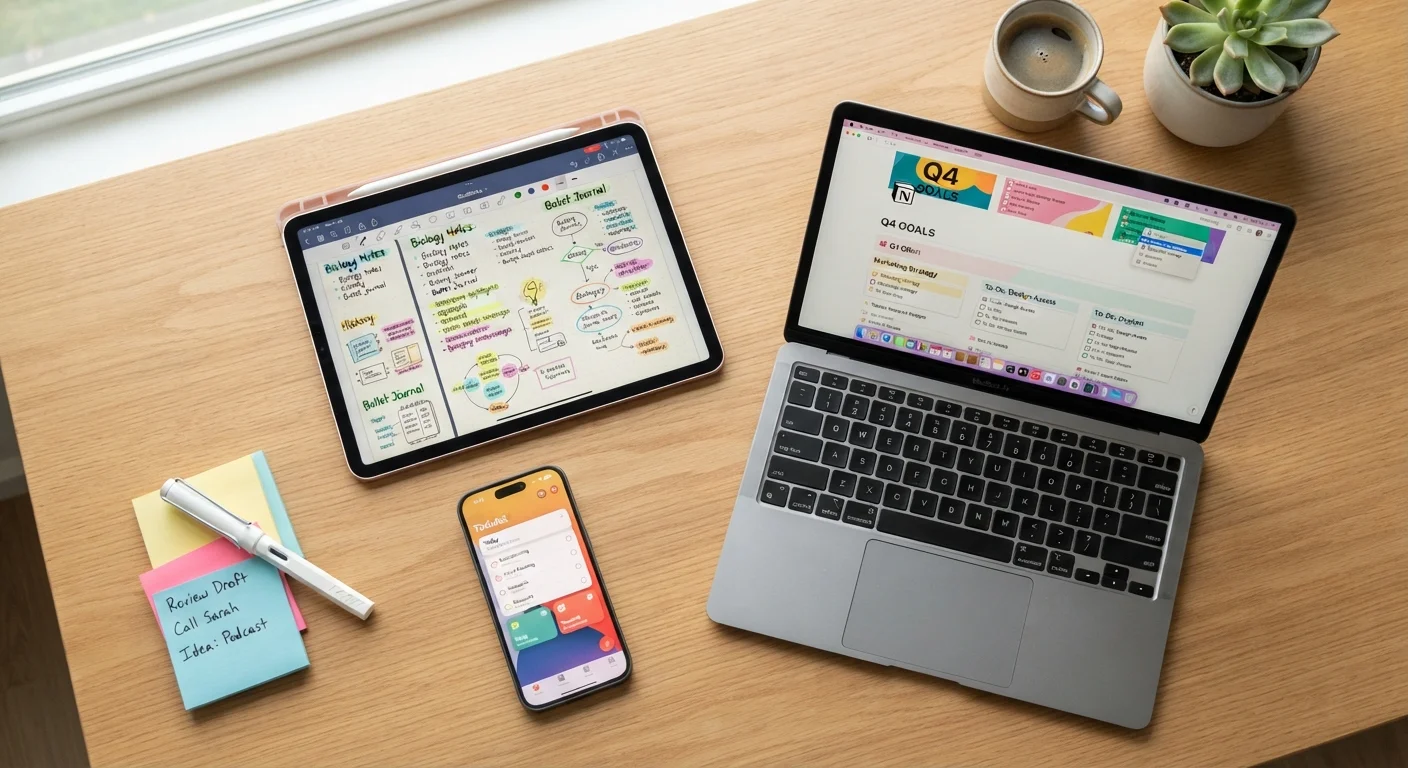
Why So Many Note-Taking Apps Exist
People take notes for wildly different reasons — a grocery list, a meeting summary, a half-formed story idea, a travel itinerary. Because no single format fits all of those needs, the software world has evolved several distinct types of note-taking apps, each built around a different philosophy of how information should be captured and retrieved.
If you've ever felt paralyzed by the number of options, you're not alone. The good news: once you understand what separates the main categories, the choice becomes much clearer. Before diving in, it helps to understand what an app actually is — see our explainer on apps vs. browsers if you're starting from scratch.
The Four Main Types of Note-Taking Apps
Think of these as four different filing systems, each with its own logic:
1. Quick-Capture Apps
These are built for speed. You open them, type something, and close them. They work like digital sticky notes — minimal formatting, no folders required. They're ideal for shopping lists, phone numbers you need to save fast, or a thought you don't want to lose. The tradeoff: they can become cluttered if you use them heavily without some light organization.
2. Structured Notebook Apps
These apps let you organize notes into notebooks, sections, or pages — much like a physical binder. They shine when you have ongoing projects, research to track, or multiple topics you return to regularly. They typically support text formatting, image embedding, and tags. The learning curve is steeper, but the payoff in findability is significant.
3. Document-Style Editors
These prioritize longer-form writing — reports, essays, detailed plans. They feel more like a word processor than a notepad. They're less suited to quick capture but excellent for anything you'll edit over multiple sessions or share with others.
4. Task-Hybrid Apps
Some apps blend notes with to-do lists and reminders. If your notes often turn into action items — "Call the plumber," "Follow up on invoice" — a hybrid app lets you keep context and tasks in the same place. Note-taking apps like these can also complement personal finance habits; our guide on tracking your spending shows how digital notes fit into everyday money management.
| Quick-Capture | Structured Notebook | Document Editor | Task-Hybrid | |
|---|---|---|---|---|
| Best for | Fast, informal notes | Organized projects & research | Long-form writing | Notes + action items |
| Learning curve | Very low | Moderate | Low to moderate | Moderate |
| Cross-device sync | Often free | Sometimes paywalled | Usually free | Varies by app |
| Formatting options | Minimal | Rich | Rich | Moderate |
| Collaboration | Limited | Often supported | Strong | Often supported |
| Offline access | Usually yes | Sometimes limited | Usually yes | Varies |
Key Features to Compare Before You Choose
Beyond category, a few practical features separate apps that will actually work for you from those that will frustrate you:
- Syncing: Does the app automatically update across your phone, tablet, and computer? Some apps only sync if you pay for a premium plan.
- Search: Can you search inside your notes by keyword? This matters more as your collection grows.
- Offline access: Will your notes be available when you have no internet connection?
- Sharing: Can you share a note or notebook with someone else? Some apps support real-time collaboration; others only export a static file.
- Import/export: If you ever want to switch apps, can you take your notes with you in a readable format?
Start with the Free Tier
Almost every major note-taking app offers a free version that covers basic use. Spend two weeks using a free plan before deciding whether a paid upgrade is worth it. Most people find the free tier is all they ever need. Switching apps later is easier than it sounds — most let you export your notes as plain text or PDF files.
Once you've settled on an app, keeping it tidy is its own skill. The same thinking that applies to organising apps on your home screen — grouping by purpose, archiving what you rarely use — applies inside note apps too.
Matching Your Habits to the Right Type
The most feature-packed app is useless if it doesn't match how you actually think and work. Ask yourself three questions before committing:
- How often do I take notes? A few times a week? A quick-capture app is probably enough. Daily, across multiple projects? A structured notebook earns its complexity.
- Do I need notes on more than one device? If yes, syncing is non-negotiable — confirm it's included in the free plan before you invest time setting everything up.
- Do my notes lead to actions? If the answer is frequently yes, a task-hybrid or structured app will serve you better than a plain notepad.
Note-taking also pairs naturally with other record-keeping habits. If you want to use notes to log purchases or spending, our piece on why writing down every purchase matters shows how simple note habits can reveal surprising financial patterns.


