

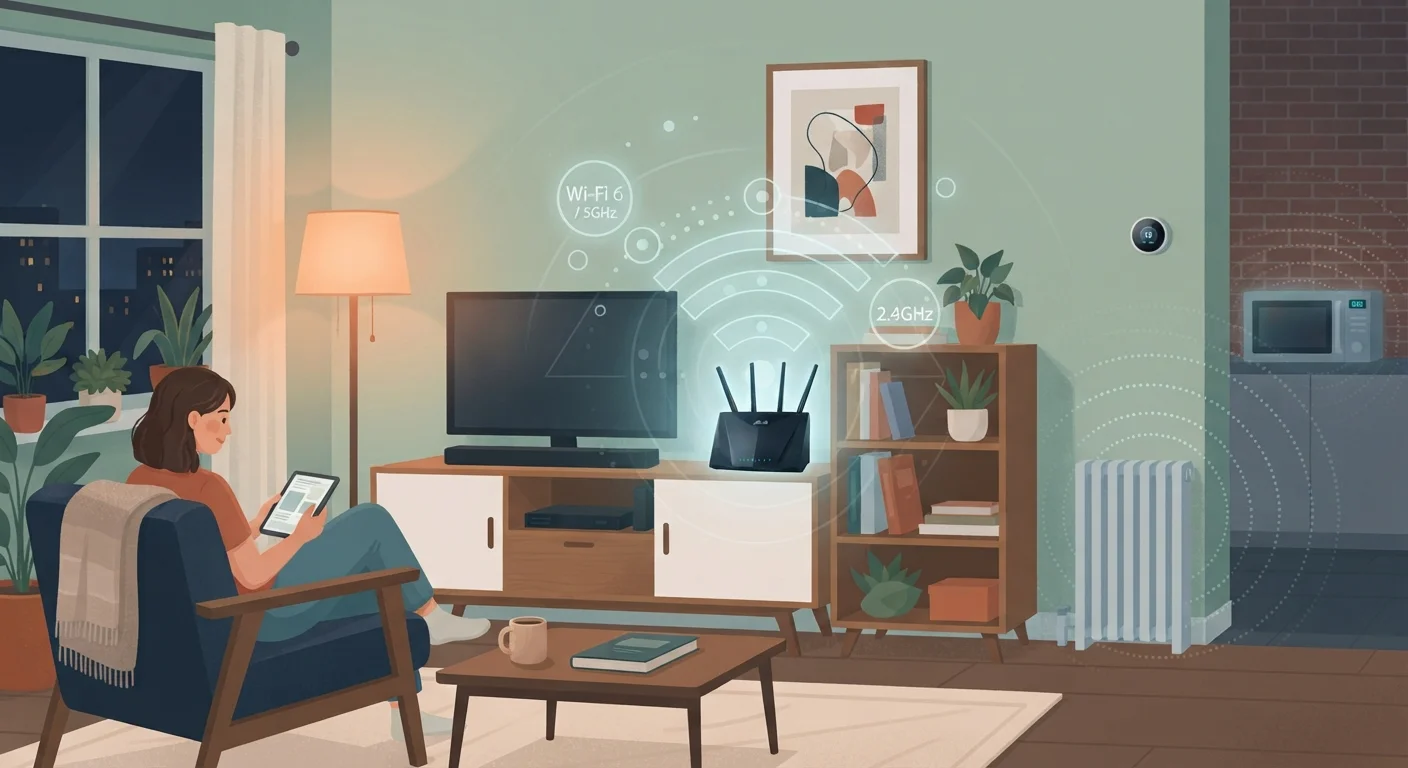
Why Your Internet Feels Slower Than It Should
You're paying for a certain internet speed, but what arrives at your laptop or phone is often noticeably less. The gap between your plan's advertised speed and what you actually experience isn't random — it's caused by specific, identifiable factors happening inside (and sometimes just outside) your home.
Understanding these causes doesn't require a technical background. Think of your internet connection like water flowing through pipes: your ISP delivers a certain pressure to the street, but leaks, bends, and narrow pipes in your home determine what actually comes out of the tap. For a plain-language map of how your home network fits together, see Your Home Network in Plain English.
Your Plan Speed Is a Ceiling, Not a Guarantee
Internet service providers (ISPs) advertise maximum speeds under ideal conditions. In practice, factors inside your home — your router's age, signal interference, and device count — often prevent you from getting anywhere near that ceiling. Before calling your ISP to complain, check the common culprits inside your home first.
The Silent Speed Killers — and How to Stop Them
Most internet slowdowns aren't caused by your ISP throttling your service. They're caused by overlooked conditions inside your home. The mistakes below are the most common culprits — and each one has a practical fix.
Placing the router in a corner, closet, or behind a TV cabinet.
Why it happens: Routers are often tucked away because they're considered eyesores, without realizing placement has a direct effect on signal reach.
Staying on a congested Wi-Fi channel shared by many neighboring networks.
Why it happens: Routers are typically set to choose a channel automatically, but in apartments or dense neighborhoods this often means many routers land on the same channel, competing for the same slice of wireless spectrum.
Ignoring background app updates and cloud syncing on multiple devices.
Why it happens: Phones, tablets, laptops, and smart TVs routinely download updates and sync files without any visible notification, and most people don't connect that activity to slow browsing.
Using outdated router or modem firmware.
Why it happens: Firmware — the software that runs inside your router — rarely updates itself automatically, and most users never think to check it after initial setup.
Assuming a slow device means a slow connection.
Why it happens: When streaming or browsing feels sluggish, the instinct is to blame the internet — but the device itself may be the bottleneck due to an aging processor or overloaded memory.
~30%
Speed lost through a single interior wall
Wi-Fi signal strength can drop by roughly 30% or more passing through a standard drywall partition, with concrete or brick reducing it further.
2.4 GHz
Most congested home Wi-Fi band
The 2.4 GHz band is shared by microwaves, baby monitors, Bluetooth devices, and the majority of older routers, making it the most interference-prone frequency in most homes.
Wi-Fi signal behavior is also worth understanding in the broader context of how wireless connections differ from mobile data. If you're unsure when to rely on Wi-Fi versus your phone's data connection, Wi-Fi vs. Mobile Data explains the trade-offs clearly.
Old Routers Can't Handle New Plans
If your router is more than five or six years old, it may not support the speeds included in your current internet plan, regardless of what you're paying for. Router hardware has a real technical ceiling based on its internal processor and Wi-Fi standard. Upgrading your plan without upgrading your router often produces no measurable improvement at all.
Taking even one or two of these steps — moving your router to a more open location, checking for firmware updates, or switching Wi-Fi bands — can produce a noticeable improvement without spending anything. Start with the simplest changes first, then test your speed again before assuming you need a faster (and more expensive) internet plan.


