

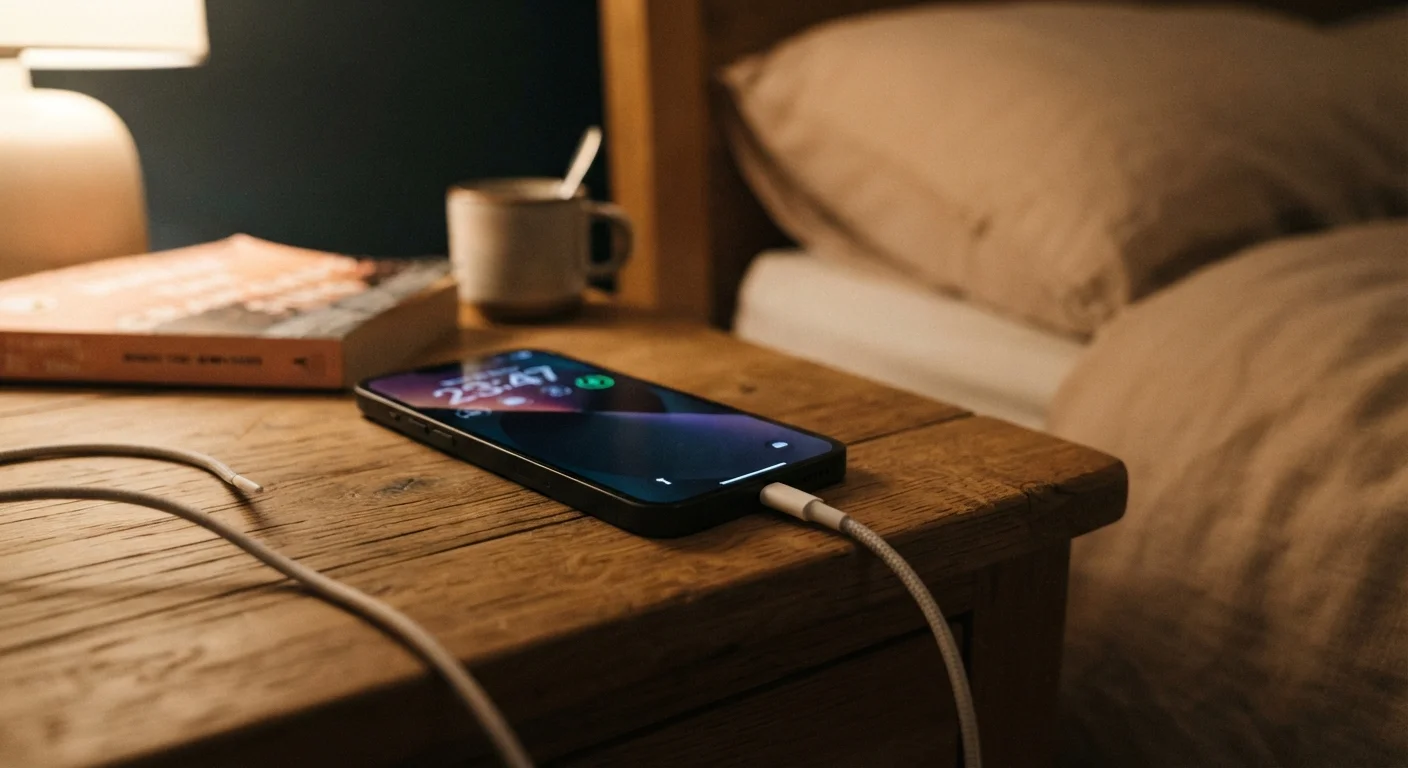
Why Battery Myths Persist
Advice about charging habits has been passed around for decades — but much of it was written for a generation of batteries that no longer exists in your pocket. The nickel-cadmium (NiCd) cells that powered early camcorders and cordless phones behaved very differently from the lithium-ion (Li-ion) cells in today's phones, laptops, and tablets. When that old advice gets applied to modern hardware, the result is habits that feel responsible but actually accelerate wear.
Understanding why myths persist helps you evaluate new claims too. Most battery folklore spread before lithium-ion became the standard, and it stuck because the underlying logic sounds plausible. The goal here is not to memorize rules, but to understand how Li-ion actually works so you can make informed decisions.
For a broader look at habits that quietly degrade your device, see common charging mistakes and why they matter.
Myth
You should always drain your battery to 0% before recharging to keep it healthy.
Fact
Fully draining a lithium-ion battery regularly is harmful, not helpful. Partial charges are far better for long-term health.
This advice originated with nickel-cadmium batteries, which suffered from a genuine memory effect — they could lose usable capacity if not fully discharged before recharging. Lithium-ion batteries have no such memory effect. In fact, deep discharges (below roughly 20%) put extra stress on Li-ion cells and accelerate the chemical degradation that reduces overall capacity over time. Shallow, frequent top-ups are exactly what Li-ion chemistry prefers.
Myth
Leaving your phone plugged in overnight will overcharge the battery and ruin it.
Fact
Modern devices stop drawing charge current once the battery hits 100%, preventing overcharge damage.
Every smartphone and laptop sold today includes a battery management integrated circuit (IC) — a small chip that monitors voltage and automatically cuts off charging current when the battery is full. The device may trickle-charge to compensate for tiny natural discharge, but it does not keep pushing current into a full cell. That said, consistently sitting at 100% for many hours does create minor long-term stress because Li-ion cells are slightly less stable at full charge — some manufacturers offer software options to cap charging at 80% or 85% for exactly this reason.
Myth
Heat only matters if your device feels dangerously hot — normal warm temperatures are fine.
Fact
Even moderate, sustained heat accelerates battery degradation significantly, even if the device never feels painful to touch.
Lithium-ion chemistry is temperature-sensitive. Operating or charging a device in environments above roughly 95°F (35°C) — which can occur simply by leaving a phone face-down on a sun-warmed table — causes the electrolyte inside the cell to break down faster. Battery researchers commonly describe heat as the single largest real-world contributor to capacity loss. You don't need a burning sensation; sustained warmth during charging is enough to compound damage over months.
Myth
Using a third-party charger will immediately destroy your battery.
Fact
Certified third-party chargers are generally safe; the risk comes from uncertified, counterfeit chargers with no proper voltage regulation.
Chargers that carry a recognized safety certification (such as UL listing in the US) deliver regulated voltage within the tolerances your device expects. The danger lies in very cheap, uncertified chargers — often found without any verifiable safety marking — which may deliver inconsistent or excessive voltage and lack proper short-circuit protection. The charger's certification status, not simply whether it came in the original box, is the meaningful safety indicator.
Myth
Closing all your background apps constantly will preserve battery life throughout the day.
Fact
Repeatedly force-closing and reopening apps can actually use more battery than leaving them cached in memory.
Modern mobile operating systems are designed to manage background apps efficiently. A suspended app sitting in memory consumes negligible power. When you force-quit it and then reopen it, the CPU has to reload it from storage and reinitialize it — a process that uses more energy than simply resuming a cached state. The exception is apps that are actively running background processes (like a navigation app tracking GPS), where closing them does save power. For most apps, the aggressive force-quit habit is unnecessary and counterproductive.
What Actually Shortens Battery Life
Armed with accurate information, a few practical principles emerge. The biggest real-world factors that degrade Li-ion batteries are heat, deep discharge cycles, and consistently charging to 100%.
~500
Typical full charge cycles before noticeable capacity loss
Battery manufacturers commonly rate Li-ion cells for around 300–500 full charge cycles before capacity drops to approximately 80% of original — partial cycles count proportionally.
35°C
Temperature threshold where battery stress accelerates
Battery research indicates that sustained exposure above approximately 95°F (35°C) meaningfully accelerates electrolyte degradation in lithium-ion cells.
20–80%
Optimal charge range for Li-ion longevity
Keeping lithium-ion batteries within this mid-range window reduces the depth of each charge cycle and lowers the chemical stress on the cell.
Heat is especially damaging because it accelerates the chemical reactions inside the battery cell, causing the internal materials to break down faster. This is why leaving a phone on a hot car dashboard or using it while it charges on a thick blanket causes measurable long-term harm.
Charge cycles matter too, but not in the way most people think. A cycle is defined as using 100% of total capacity — that could be two separate 50% discharges. Keeping the battery in the middle range (roughly 20–80%) means each session uses a smaller slice of a cycle, which significantly slows cumulative wear over months and years.
For a deeper dive into why devices degrade beyond the battery, see what's really behind a slowing laptop. And if you want a comprehensive plan, long-term device care that actually works covers evidence-based habits for every type of gadget.
The Single Most Effective Habit
If you only change one thing, avoid consistently charging to 100% and discharging below 20%. Keeping your battery in the 20–80% range reduces per-cycle stress more than any other single habit. Many phones and laptops now include a built-in 'optimized charging' or 'battery limit' setting in their battery menus — enabling it does the work for you automatically.


